U
U
www.AcousticAmplification.com
USER’S MANUAL
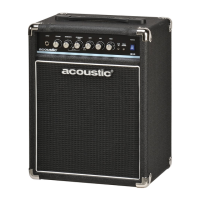
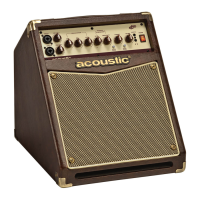
20 WATT ACOUSTIC INSTRUMENT AMP
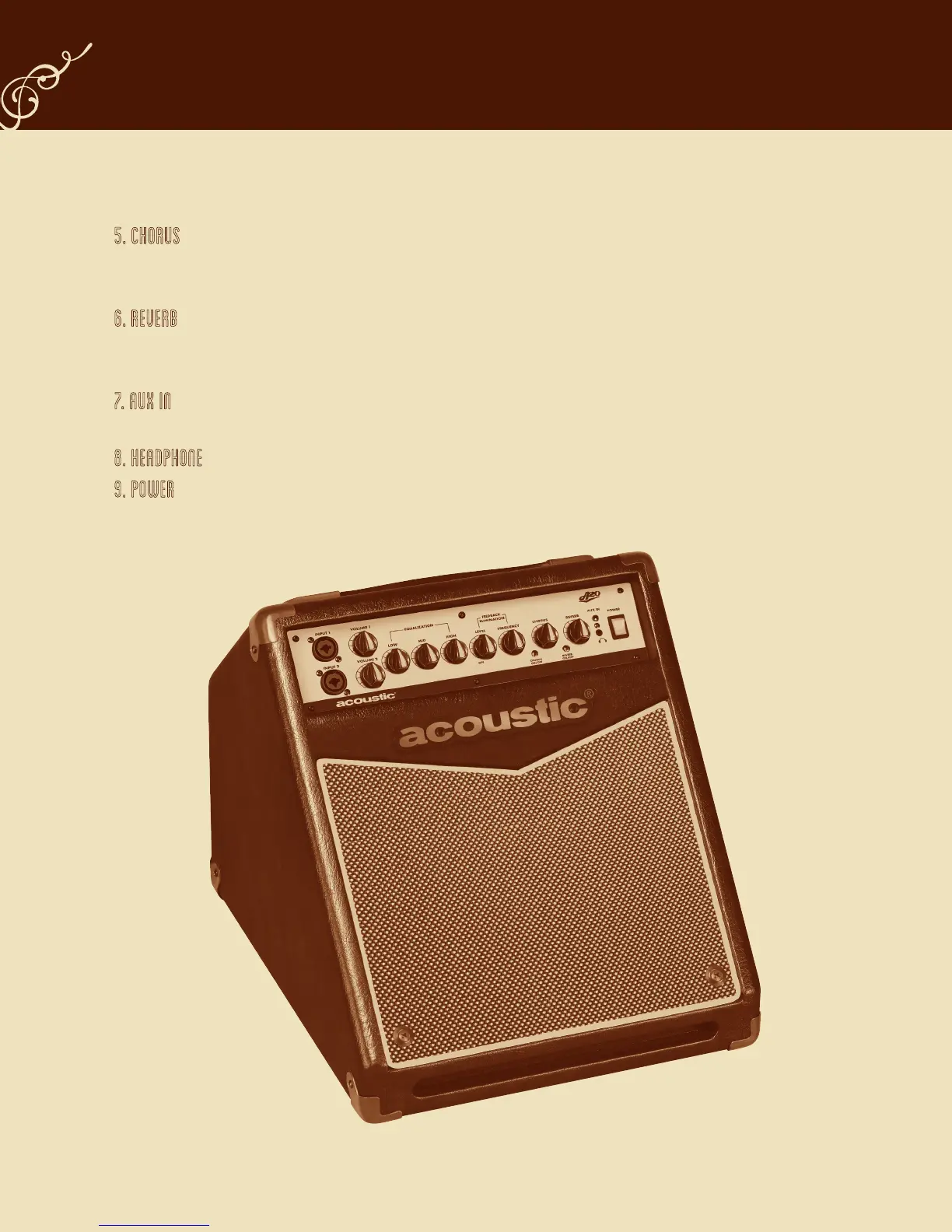
5. CHORUS
a. Chorus On / Off switch – this creates a shimmering, musical tonal effect.
b. Chorus Rate control - this will speed up the rate of the Chorus effect.
6. REVERB
a. Reverb On /Off switch – this simulates the natural ambience of reective soundwaves.
b. Reverb Level control – increasing the level control will intensify the amount of reverb present in your signal.
7. AUX IN – this 1/8” 3-conductor Aux input jack will allow you to plug in a CD, MP3 player or any other stereo source so you can play
along. To control the volume of this input, adjust the output volume of the device.
8. HEADPHONE - this 1/8” 3-conductor jack is for plugging in headphones. When used, it will disconnect the internal speaker.
9. POWER – this rocker switch will illuminate with a soft amber color when the amp is turned on and ready to play.


 To Next Page