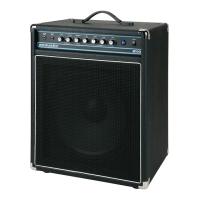
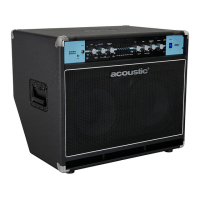
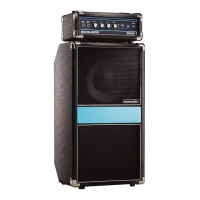
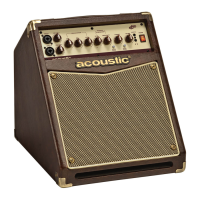
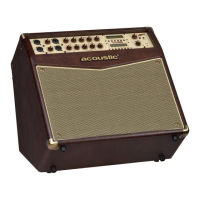
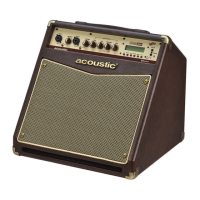
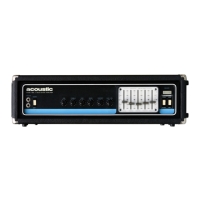
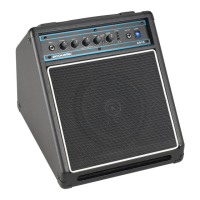
B15, B30, B100 MKII, B200 MKII, B450 MKII
|
OWNER’S MANUAL
www.acousticamplification.com
4
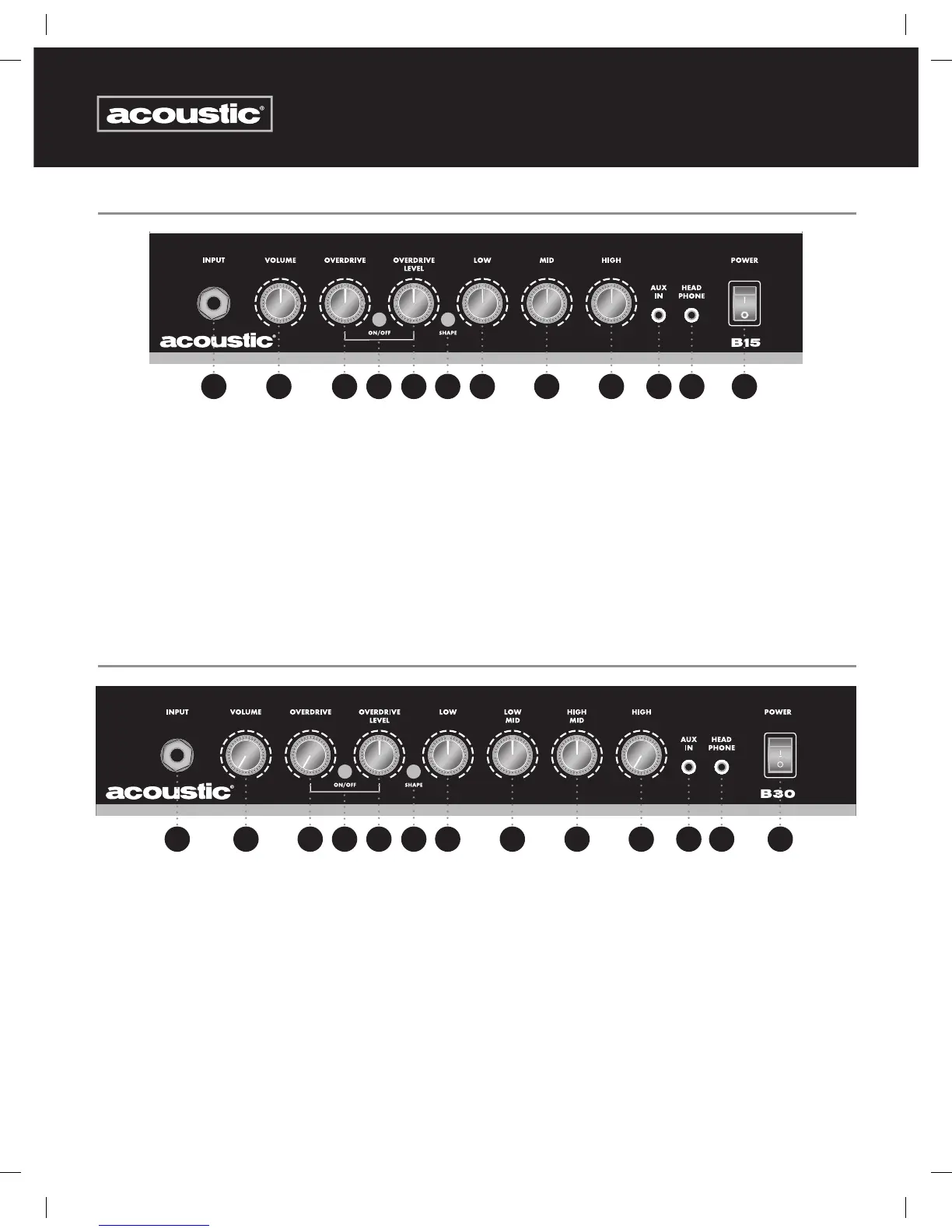
B15 FRONT PANEL
B30 FRONT PANEL
1. Bass Input: ¼” two-conductor jack.
2. Volume: Adjusts the overall volume level of the amplifier
3. Overdrive: Controls the amount of overdrive
4. On/Off Switch: Activates the Overdrive circuit
5. Overdrive Level: Controls the mix of overdrive to clean signal
6. Shape: This button decreases the level of the mid frequencies creating an alternate EQ curve
7. Low: This control increases or decreases bass frequencies
8. Mid: This control increases or decreases midrange frequencies
9. High: This control increases or decreases treble frequencies
10. Aux In: This 3-conductor ⅛” media input jack will allow you to plug in a CD, MP3 player, or any other source so you can practice
along. To control the volume of the source, adjust the output volume of the device. Note: Turn the volume all the way down
before plugging in your guitar and adjust the volume according to your taste.
11. Headphone Output: ⅛” 3-conductor jack for plugging in headphones. When used, it will disconnect the internal speaker
12. Power Switch: When lit, the amplifier is on and ready for use.
1. Bass Input: ¼” two-conductor jack.
2. Volume: Adjusts the overall volume level of the amplifier
3. Overdrive: Controls the amount of overdrive
4. On/Off Switch: Activates the Overdrive circuit
5. Overdrive Level: Controls the mix of overdrive to clean signal
6. Shape: This button decreases the level of the mid frequencies creating an alternate EQ curve
7. Low: This control increases or decreases bass frequencies
8. Low Mid: This control increases or decreases low midrange frequencies
9. High Mid: This control increases or decreases high midrange frequencies
10. High: This control increases or decreases treble frequencies
11. Aux In: This 3-conductor ⅛” media input jack will allow you to plug in a CD, MP3 player, or any other source so you can practice
along. To control the volume of the source, adjust the output volume of the device. Note: Turn the volume all the way down
before plugging in your guitar and adjust the volume according to your taste.
12. Headphone Output: ⅛” 3-conductor jack for plugging in headphones. When used, it will disconnect the internal speaker
13. Power Switch: When lit, the amplifier is on and ready for use.
2
2
3
3
4
4
6
6
12
13
5
5
7
7
8
8
9
9
10
10
11
11 12
1
1
9778 B15 B30 B100MKII B200MKII B450MKII Owner's Manual.indd 4 7/13/12 4:22 PM



 To Next Page