www.acousticamplification.com
7
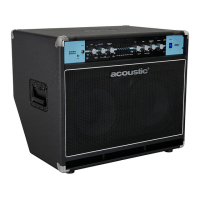
B300C, B600C
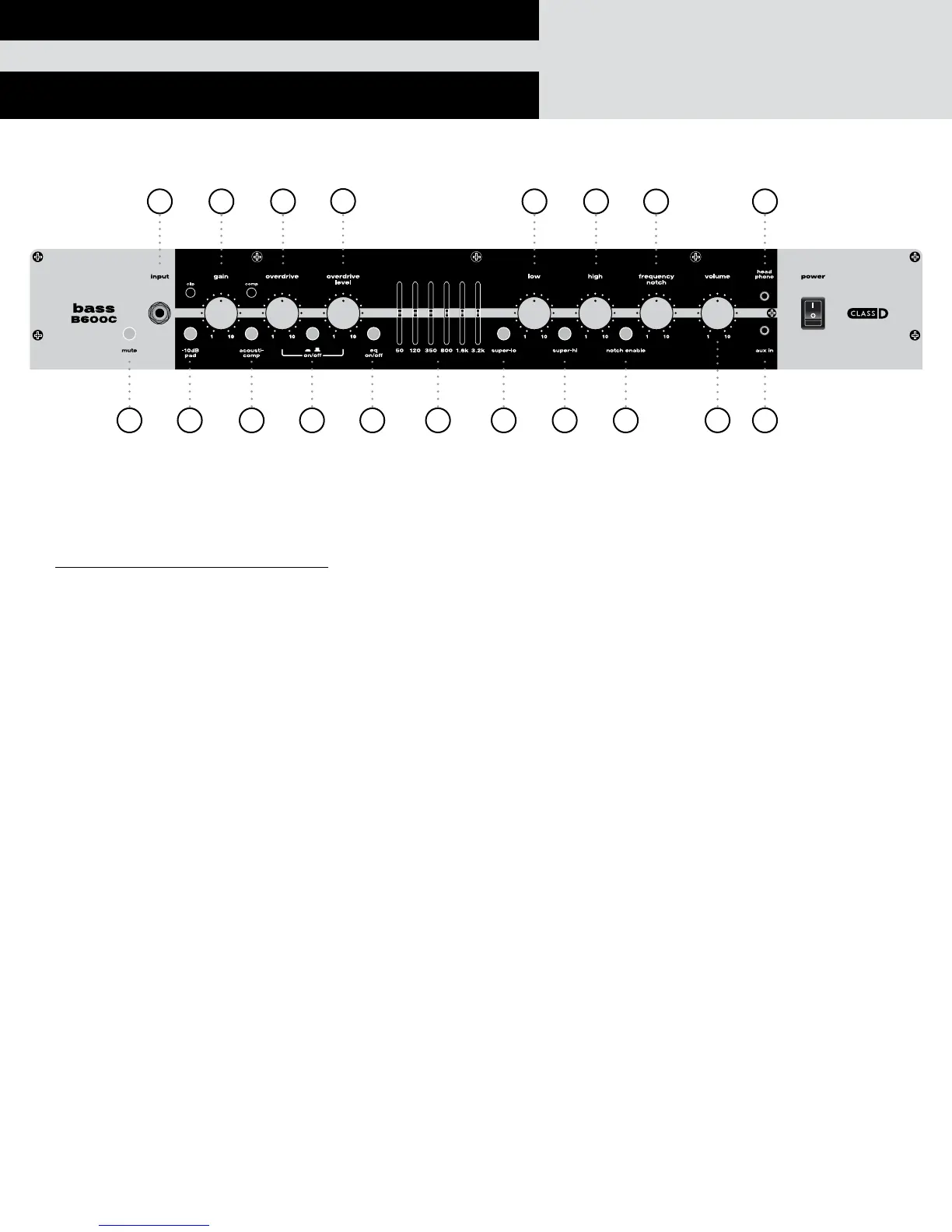
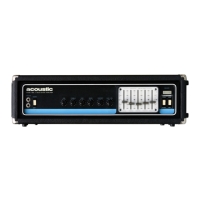
B600C FRONT PANEL
1. Mute: Mutes the input signal when pressed.
2. Bass Input: 1/4” two-conductor jack.
Note: Turn the volume all the way down before plugging in your guitar and adjust the volume according to your taste
3. Pad: Activates -10dB pad to reduce input sensitivity for basses with active electronics or high output pickups
4. Gain: Adjusts the input level signal gain of the amplifier.
Note: Clip indicator lights up when too much gain creates preamp clipping (usually undesirable)
5. Acoustic-comp™: Activates the built-in compression circuit.
Note: Comp light only operates to indicate compressor is actively compressing the signal
6. On/Off Switch: Activates the Overdrive circuit.
7. Overdrive: Controls the amount of overdrive when overdrive switch (#6) is engaged.
8. Overdrive Level: Adjusts the balance between the clean and overdrive channels when overdrive switch (#6) is engaged.
9. EQ On/Off: engages the graphic EQ and related EQ slider controls (#10) when depressed.
10. Graphic EQ (sliders labeled 50 thru 3.2K): These sliders increase or decrease the level of the associated frequency. Use
these to surgically find and cut problem frequencies or boost desired frequencies that enhance the tone.
11. Super-lo: activates low frequency boost (+3dB at 40Hz).
12. Super-hi: activates high frequency boost (+2dB at 7kHz).
13. Lo EQ: adjusts overall low frequency EQ +/-12dB @ 60Hz.
14. Hi EQ: adjusts overall high frequency EQ +/-12dB @1.6kHz.
15. Notch Enable: activates the adjustable notch filter (#13).
16. Frequency Notch: Adjusts the notch filter frequency from 50Hz (left) to 1kHz (right) when notch enable (#12) is engaged.
17. Volume: Adjusts overall (master) volume level of the amplifier.
18. Aux In: This 3-conductor 1/8” media input jack will allow you to plug in any audio source with an 1/8” output jack for
practice or to play along to. To control the volume of the source, adjust the output volume from the playback device.
19. Headphone: 1/8” 3-conductor output jack for plugging in headphones. When used, it will mute the internal speaker
enabling silent play and practice.
192
4 7 13 14
31 5 6 9 10 11 12 15 18
17
16
8


 To Next Page