USER MANUAL 750000992/16
6-5
MTS
e
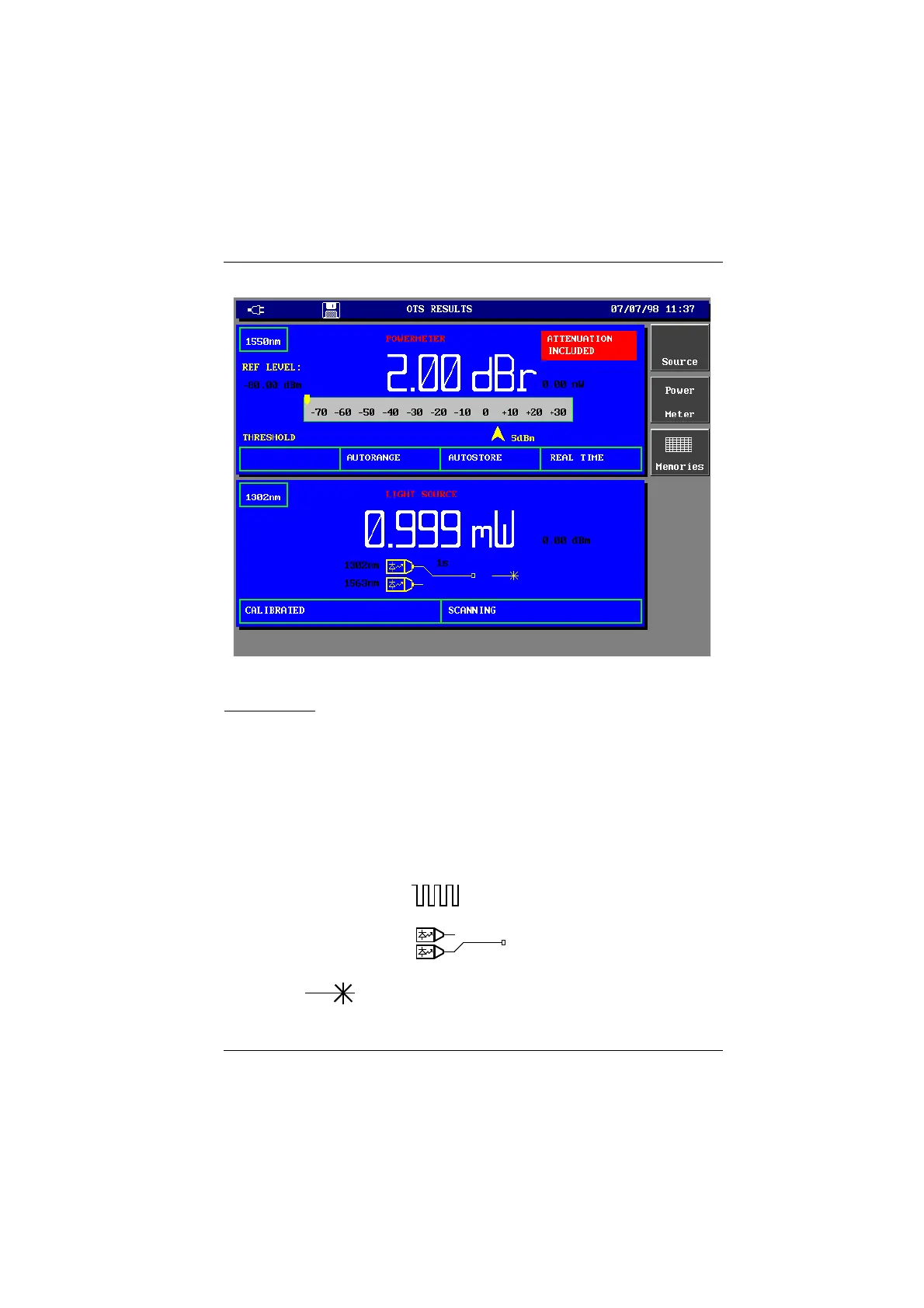
OTS Results Window
OTS Results Window (including light source and power meter)
Light Source
Light Source Display
The Light source display provides all the details of the currently selected Light
source configuration. It also contains the specific softkeys required to control the
various functions of the Light source when it is selected.
• The selected wavelength.
• The light power in the selected unit and the non-selected unit.
• The power mode: Laser (or LED) Off, Calibrated or Variable (for laser source
only).
• The transmission mode: CW or the modulated frequency (270Hz, 330Hz,
1KHz, or 2KHz). The icon is displayed when the modulated
frequency mode is selected.
• SCANNING and the icon when the scanning mode is
selected.
• the icon when the source is in operation.
Artisan Technology Group - Quality Instrumentation ... Guaranteed | (888) 88-SOURCE | www.artisantg.com



 To Next Page