3-6
USER MANUAL 750000992/16
Getting Started MTS
e
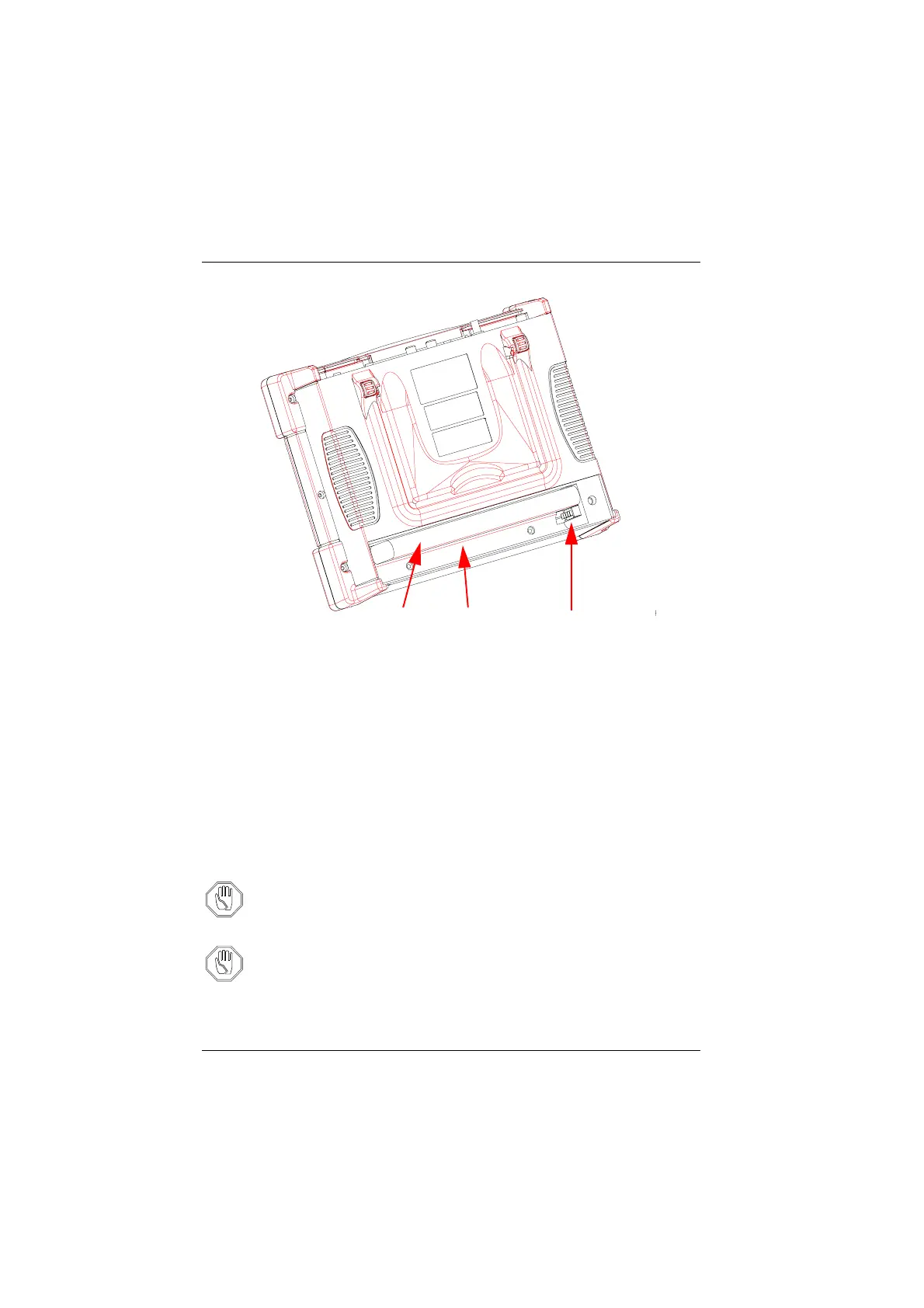
Installing the battery (example with MTS 5100
e
)
2. A keyway on the connector of the battery avoids any connection errors.
Position the battery in its compartment, keyway towards the top and push
the battery until it connects to its connector.
3. If necessary, repeat the procedure for the second battery.
4. Replace the battery door and tighten the two attachment screws.
Important recommendations concerning batteries
Nickel-metal hydrid batteries are designed to ensure maximum safety. Each cell
includes a resealable pressure relief mechanism (safety vent) to prevent excessive
build-up of pressure in the cell in the event it is overcharged or exposed to
extremly high temperatures.
Attention You must only use the batteries delivered with MTS
e
. Even though
batteries delivered with other electronic equipment may appear
identical, they risk damaging MTS
e
.
Attention If you don’t intend using MTS
e
for several weeks it is recommended
that you remove the batteries in order to prolong their life cycle, and
to recharge them before re-using them again.
Battery
Battery
compartment
Connectors with
keyways towards the
top
Artisan Technology Group - Quality Instrumentation ... Guaranteed | (888) 88-SOURCE | www.artisantg.com


 To Next Page
 Loading...

