5-8
USER MANUAL 750000992/16
Using an OTDR module MTS
e
For a bad connection condition you can make measurements but very poor
detection results should be expected.
Real-time display
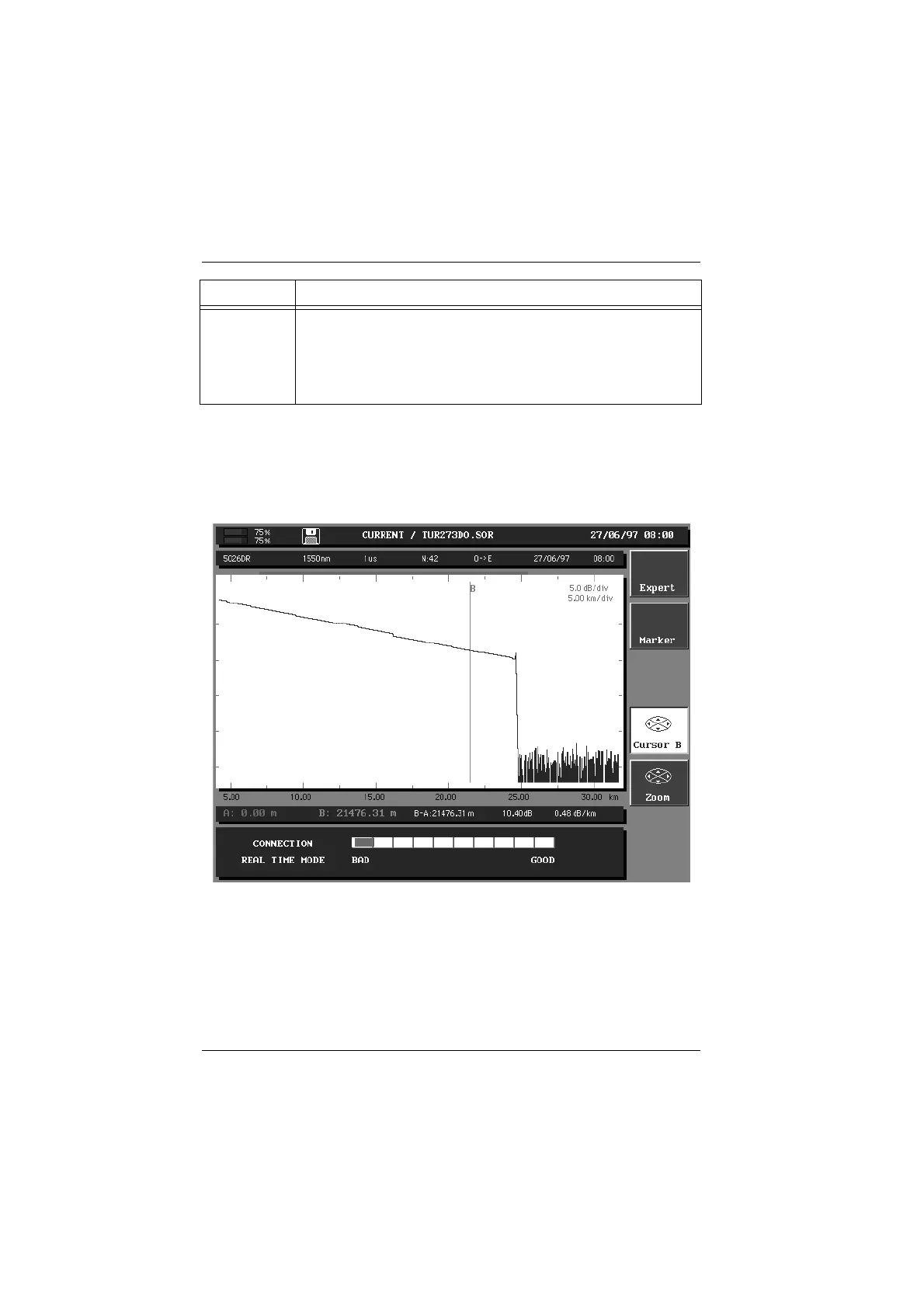
The following illustration shows an example of an acquired trace in real-time
mode.
Acquired trace in real-time mode
To stop or interrupt the real-time mode acquisition, press the
START STOP key a
second time.
While the MTS
e
is operating in real-time mode, you cannot modify any of the
acquisition parameters, the wavelength or select an overlay trace.
You can only make reference and cursor measurements while in the real-time
mode but once the acquisition is stopped, automatic measurements can be
performed.
Bad Indicates one of the following cases:
There are several connectors close to the front end connector.
One of the connectors is dirty or badly connected.
You must re-connect or change the pigtail.
There is no fiber connected.
Status Connection condition
Artisan Technology Group - Quality Instrumentation ... Guaranteed | (888) 88-SOURCE | www.artisantg.com



 To Next Page