USER MANUAL 750000992/16
5-27
MTS
e
Locking markers
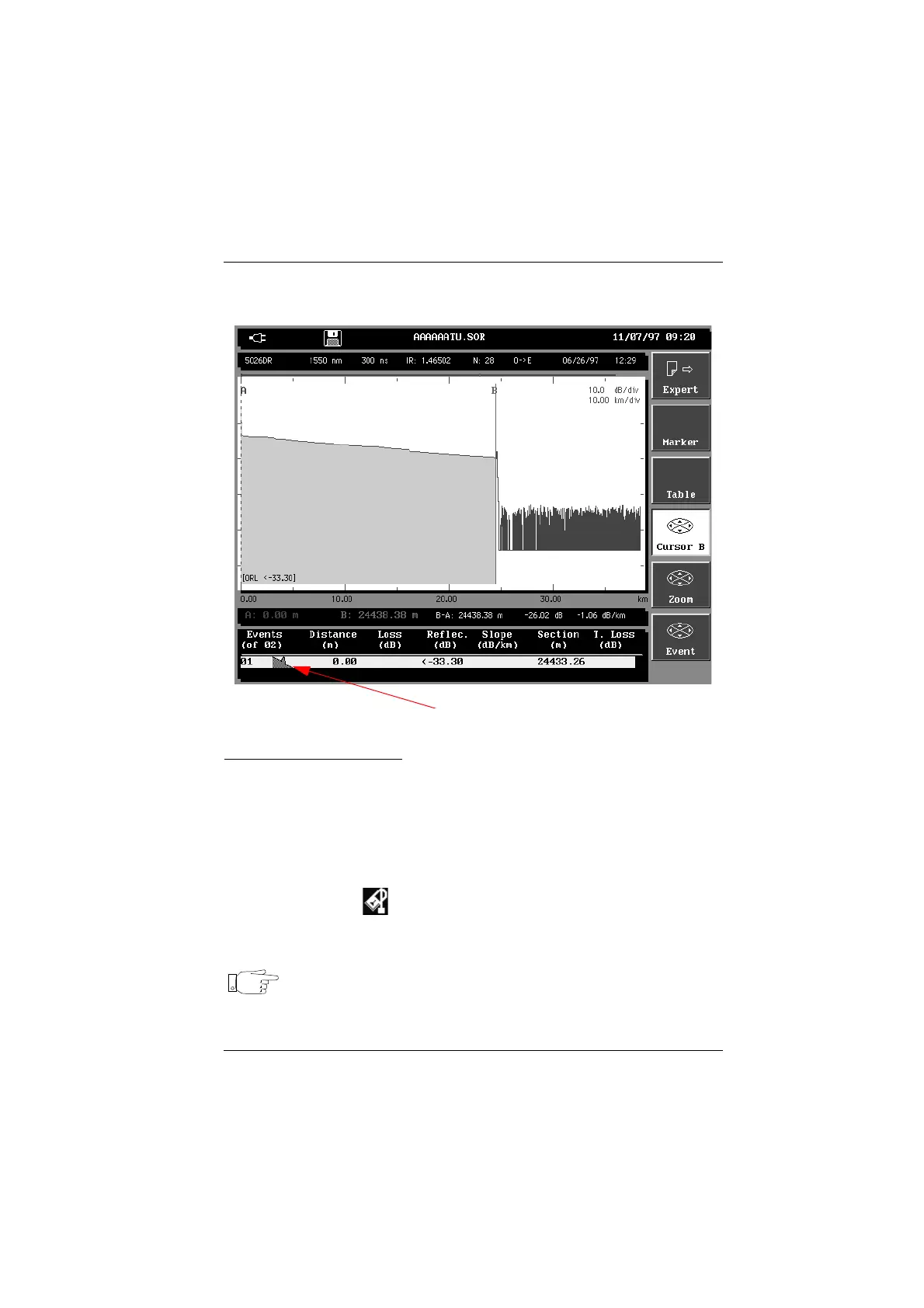
The ORL is measured for the section of the trace defined and the result
indicator shows the ORL in dB in the table of results and on the trace.
ORL measurement result
ORL on a saturated trace
When events are saturated, then the ORL value is given with a < sign. This
means that the real ORL is less than the value displayed.
Locking markers
To lock the markers in order to repeat exactly the same measurement on a future
acquisition or another trace, press the <Expert> key then the <Lock markers> key.
The lock marker icon is displayed in the display title bar.
The locked markers will then be used to realize the next measurements either at
the end of the acquisition or when recalling a trace.
Note This function locks markers placed by the automatic measurements,
the <Marker> key and measurement markers added manually
(<Manual> key).
Artisan Technology Group - Quality Instrumentation ... Guaranteed | (888) 88-SOURCE | www.artisantg.com



 To Next Page