4 Quick Installation Guide
Due to continuous product improvements, some contents may have changed from the time this
documentation was printed.
You can download the latest user documentation, which shall prevail over the printed version
provided in the package, from
http://www.acti.com/downloadcenter
.
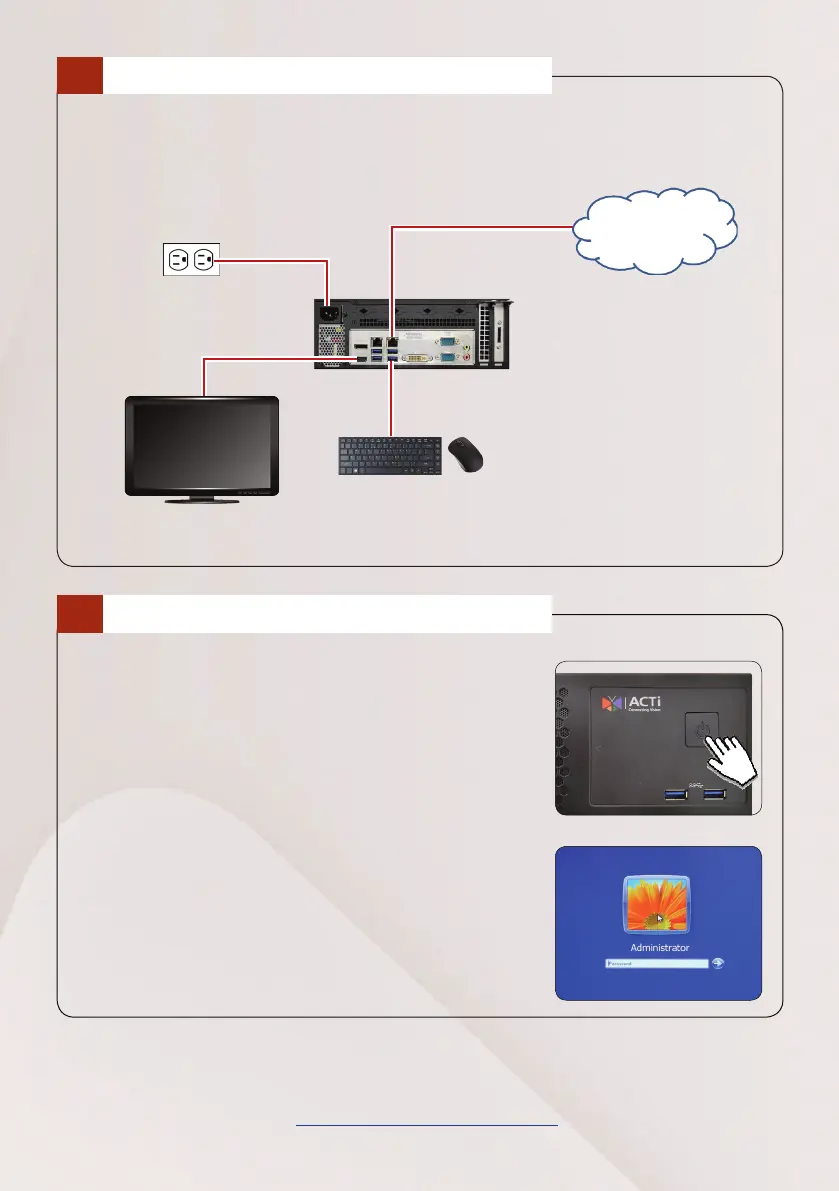
The example below displays a local network consisting of the basic required
peripherals to start using the device.
CONNECT THE DEVICES
3
USB Devices
HDMI Monitor
Power Source
START UP
4
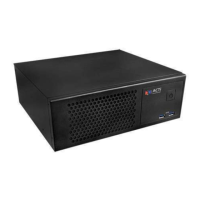
1. On the front panel, press the POWER BUTTON
to turn on the device.
2. On the Windows log on screen, type “123456”
to enter the Windows system.
PCS
Network


 To Previous Page