ENGLISH
Like the camera, the X8 remote control can be charged via the
USB port on the backside of the remote. While charging, the LED
will light up red. The LED will turn off, as soon as charging is
finished.
Before using the first time, the remote control has to be paired
with your camera. Please follow this steps to pair the remote:
• Press and hold the buttons and of the remote together
• Switch on the camera
• As soon as the live video appears on camera screen, release
the remote buttons
• After successfull pairing, the LED will light in blue color
• Your remote is ready to use
How to control the camera with your remote:
• Short press button sto start and stop video recording
• LED will flash in green color during recording
• Short press button to make a photo. LED will flash once
to confirm.
Switching on and off
The remote control automatically turns off after the camera was
turned off. By pressing buttun for some seconds, you can
switch of the camera and remote at the same time, but you will
not be able to switch on the camera again by the remote.
You don‘t need to switch on the remote. As soon as your camera
is switched on and you send a command from your remote by
pressing button or , the remote will switch on and process
your command. The LED will then light permanently to show
that connection is established.
As soos as your camera is out of range, the blue LED will turn
off.
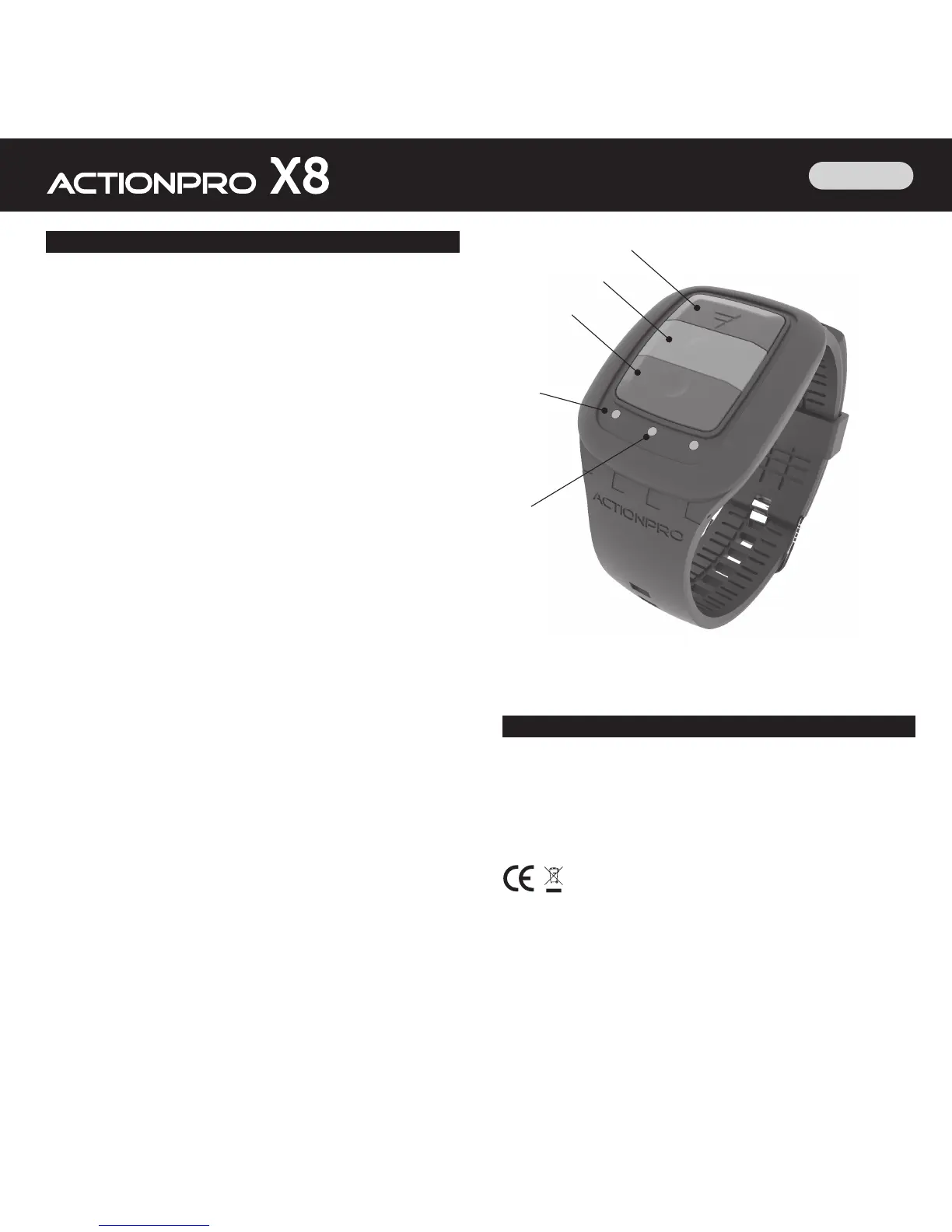
15. X8 Remote Control
➍
➎
➊
➋
➌
16. Declaration of Conformity for the X8 remote control
Declaration of Confirmity
CI IMAGEWEAR activSport GmbH, Steinegaden 151, 88167 Röthenbach, Deutschland,
declares that this device (Brand Name ACTIONPRO, Model TSQ-11) is in compliance with the
essential requirements and other relevant provisions of Directive 2014/53/EU.
The complete declaration of confirmity can be downloaded from http://www.actionpro.de/ce
RoHS


 To Next Page