24 of 27
Acuity Brands | One Lithonia Way Conyers, GA 30012 Phone: 800.535.2465 www.acuitycontrols.com © 2014-2015 Acuity Brands Lighting, Inc. All rights reserved. 08/17/15
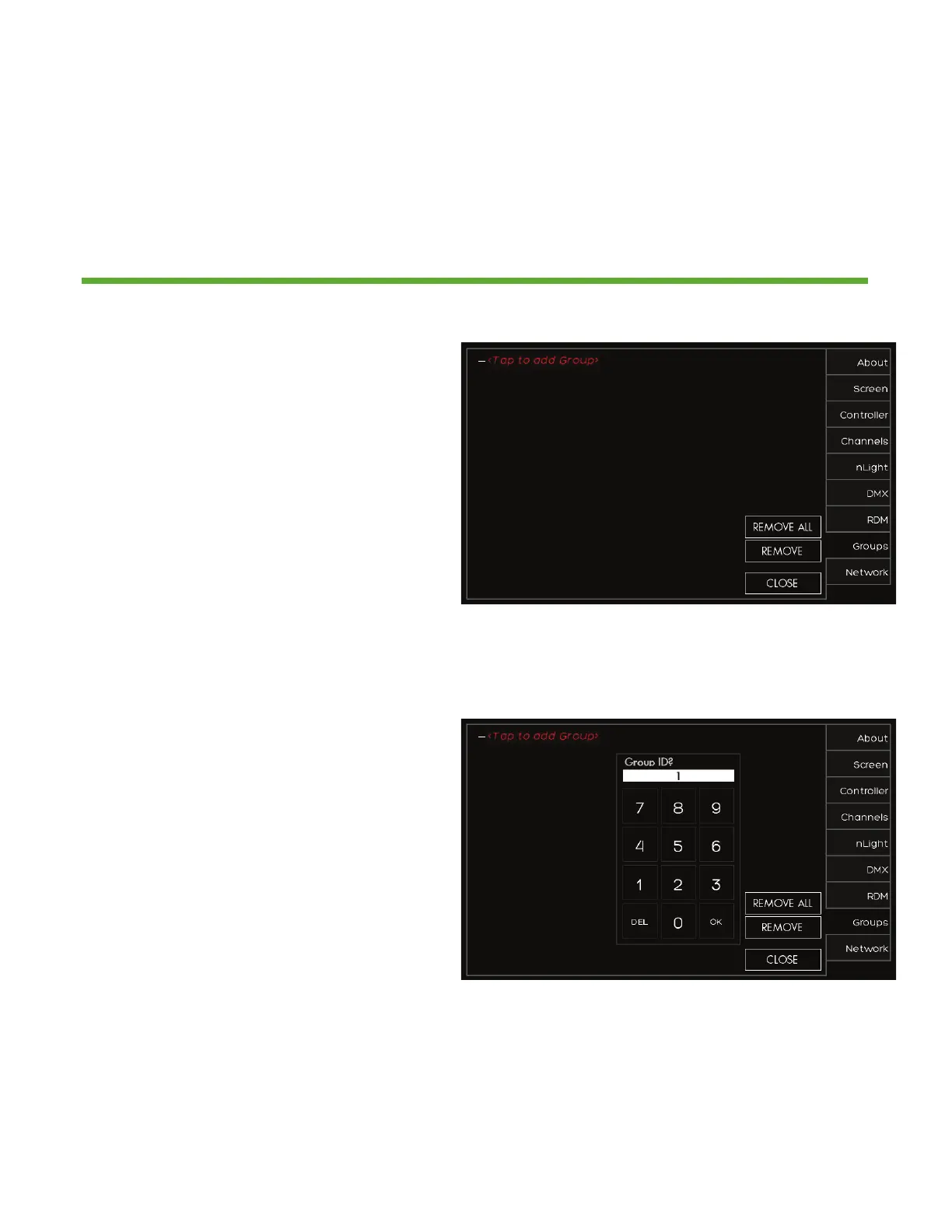
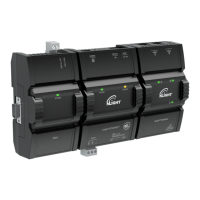
Setup > Groups
Overview
Multiple lighting zones can be linked together in groups for joint control
1. Press (+) to expand the group
settings
2. Change the group NAME to make
it easier to manage by pressing
NAME=GROUP #
3. Press (+) to expand the ZONES that
need to be added to the group
1. Select the zones that need to be
added to the group. This are
existing zones, or a new zone can be
setup


 To Next Page