4
Touchscreen Operation
You can operate the system using your finger on the touchscreen.
The touchscreen can be operated if you are wearing thin gloves, but it may be more difficult for the system to respond.
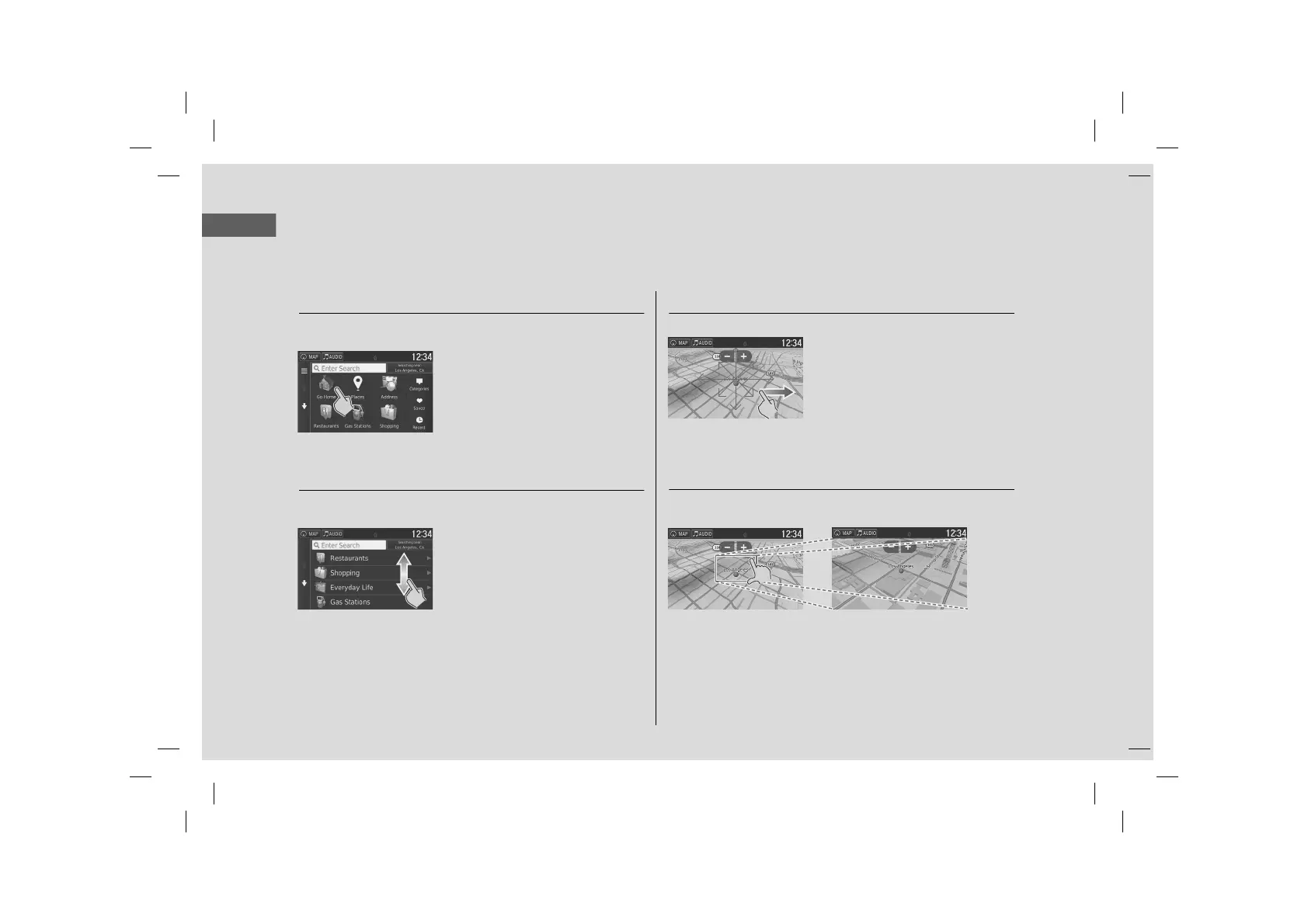
Tap
Touch the screen lightly with your finger to select an option on the
screen.
Swipe
Lightly sweep your finger side to side or up and down to scroll a list
or map.
You can change the touchscreen sensitivity setting.
2 Refer to the Owner's Manual.
Slide
Move your finger slowly across the screen to scroll the map.
Pinch In/Out
Open or close your fingers on the screen in a pinching motion to
zoom in or out of the map.



 To Next Page
 Loading...




