43
EN
3. Replace the battery compartment cover.
The locking tab must audibly engage.
USB operation
− Connect the included USB cable to the
device’s USB connector DC5.0V and to a
USB port of a computer (PC, tablet, laptop)
or a USB adapter.
If a USB connection is used, power
is always supplied via USB even if
batteries have been inserted.
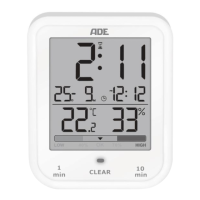
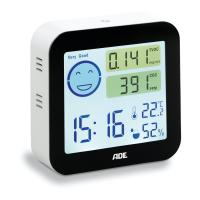
Once power is supplied to the device, the display
will show the temperature and humidity. A
five-minute countdown starts concurrently.
This is the amount of time the device needs to
collect and analyse air data.


 To Next Page