Install Driver in Windows® 7 / 8.0 / 8.1 /10
The following steps tell you how to install the WIDCOMM
Bluetooth® driver in Windows® 7 / 8.0 / 8.1 / 10.
Step 1:
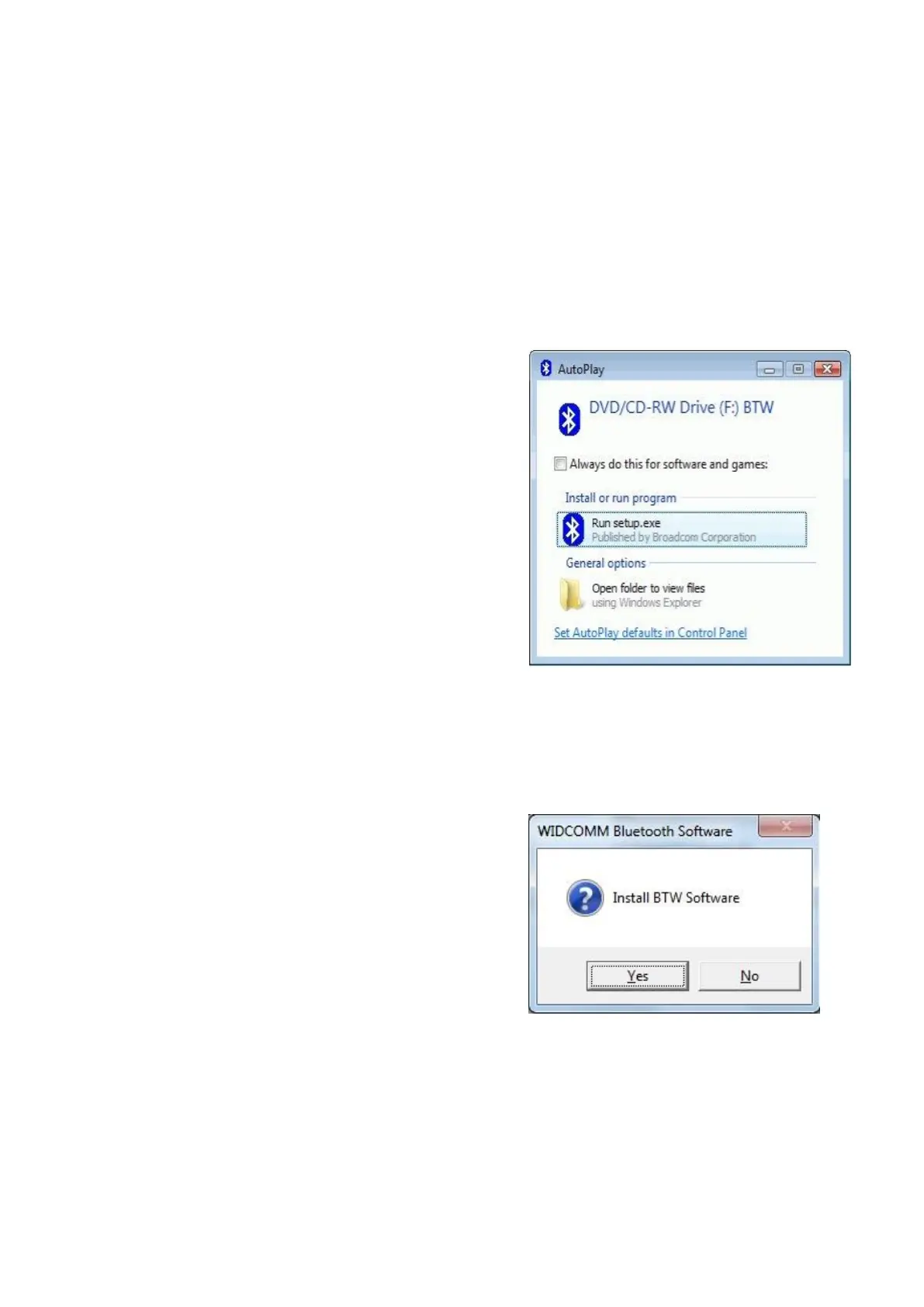
Put WIDCOMM Driver DVD into CD
drive of your PC, an auto-installation
program will start to guide you to
complete the installation step by
step.
Step 2:
Please click Yes to continue
installation.



 To Next Page