adonit
User Manual
Adonit Note
Bedienungsanleitung Guide de
l'utilisateur I Manual del usuario I
Hudng dån Südung
OVERVIEW
Überblick I Aperqu I Vista general I
I 1 I Tdng quan
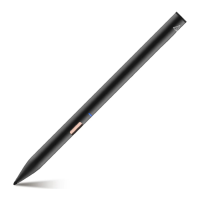
Replaceable tip
Auswechselbare Spitze
pointe remplaqable Punta
reemplazable
Däu cé thé thay thé
Power button
Taste Bouton d'alimentation
> Nüt
LED indication light
LED-Anzeige Voyant lumineux
å ED Luz indicadora LED
LED LEDEj-eÅT
hiéu
Micro USB charger port
Micro-USB-Ladeanschluss
Port micro USB pour la charge
Puerta de carga Micro USB
Micro USB Micro USB
Micro USB
C6ng sac USBloqi nh6
QUICK GUIDE
Kurzanleitung I guide de consultation
rapide I Guia råpida
Hudng dän
nhanh
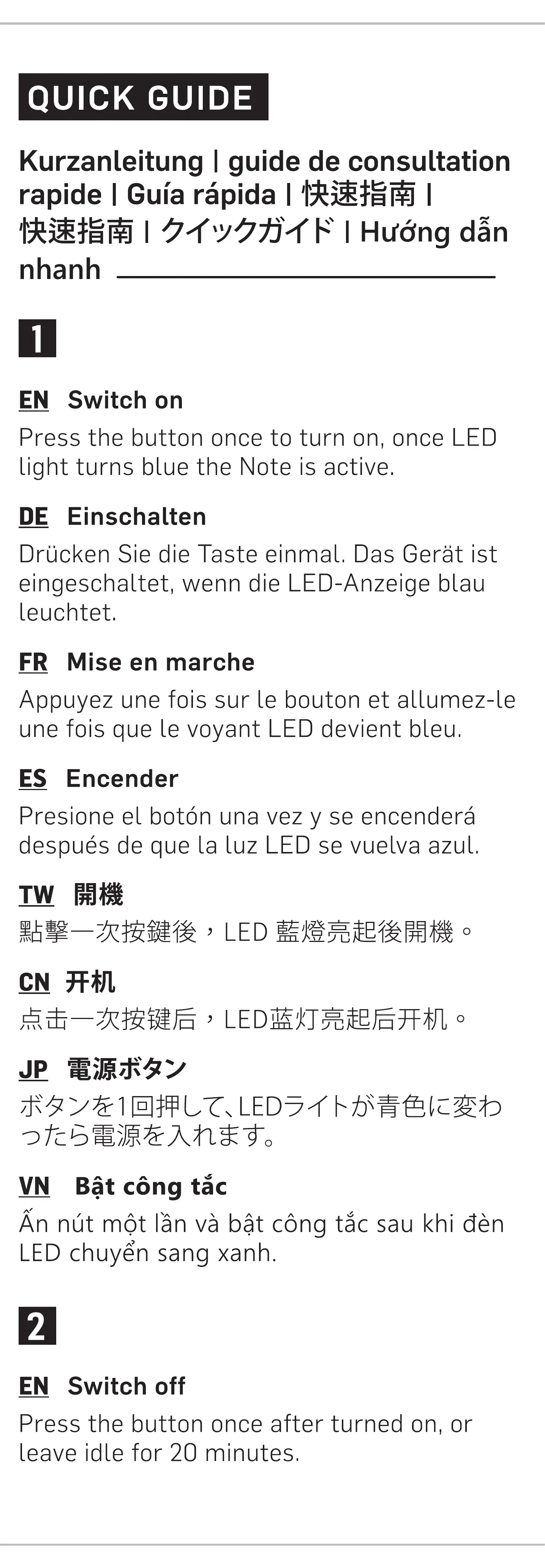
EN Switch on
Press the button once to turn on, once LED
light turns blue the Note is active
DE Einschalten
Drucken Sie die Taste einmal Das Gerät ist
eingeschaltet, wenn die LED-Anzeige blau
leuchtet
FR Mise en marche
Appuyez une fois sur le bouton et allumez le
une fois que le voyant LED devient bleu
ES Encender
Presione el botön una vez y se encenderå
después de que LaLuz LED se vuelva azul
, LED
VN Bit cong tåc
Ännüt möt länvå bit cöngtåcsaukhi dén
LEDchuyén sang xanh.
EN Switch off
Press the button once after turned on, or
leave idle for 20 minutes
DE Ausschalten
Drücken Sie die Taste einmal Oder lassen Sie
das Gerät für 20 Minuten ungenutzt Liegen
Es schaltet sich aus und die LED-Anzeige
geht aus
ER Éteindre
Appuyez une fois sur le bouton ou laissez-le
inactif pendant 20 minutes et éteignez-le
une fois I'extinction du voyant LED
ES Apagar
Presione el botén una vez o déjelo inactivo
durante 20 minutos y se apagarå después de
que se apague la luz LED
LED
0
MN Tåt cong tåc
Ännüt mét länvå déchaykhångtrong 20
phüt vå tåt cöng tåc sau khi dén LEDtåt.
EN Charging
The LED light will display red flickering light
when the battery is low To charge, connect
the Micro USB cable to the charger port of
the pen The red light will remain on while
charging and turn blue once fully charged
The device will automatically switch off
when charging cable is removed
Writing while charging possible
DE Aufladen
Die LED-Anzeige flackert rot, wenn der
Akkustand niedrig 1st Schließen Sie in
dlesern Fall das Micro USB Ladegerät an den
Anschluss an der Spitze des Stiftes an. Die
Anzeige Leuchtet während des Ladevorgangs
rot und Wird blau, wenn der Akku vollständig
aufgeladen ist. Das Gerät schaltet sich nach
dem Laden automatisch aus
* Das Schreiben ist während des
L
adevorgangs möglich
FR Chargement
Le voyant LED rouge clignotera lorsque la
batterie est falble Dans ce cas, connectez le
chargeur Micro USB au port situé å
l'extrémité du stylo e voyant rouge restera
allumé pendant le chargement et devlendra
bleu lorsqu'il est complétement chargé
Cappareil séteint automatiquement lorsque
le cåble de charge est retiré
Ecrire lors du chargement est possible
ES Carga
El indicador LED mostrarå una luz roja
parpadeante cuando la baterl'a esté baja
Para cargar, conecte el cable Micro USB al
puerto cargador del låpiz La luz roja
permanecerå encendida durante la carga y
se volverå azul cuando esté completamente
cargado El dispositivo se apagarå
automåticamente cuando se retire el cable
de carga
* Es posible escribir mientras se carga
, , Micro
USB ,
, , Micro
—5fitJ\'YNfÆ LED3d
adonit


 To Next Page
 Loading...