QUELQUES MINUTES SUFFISENT !
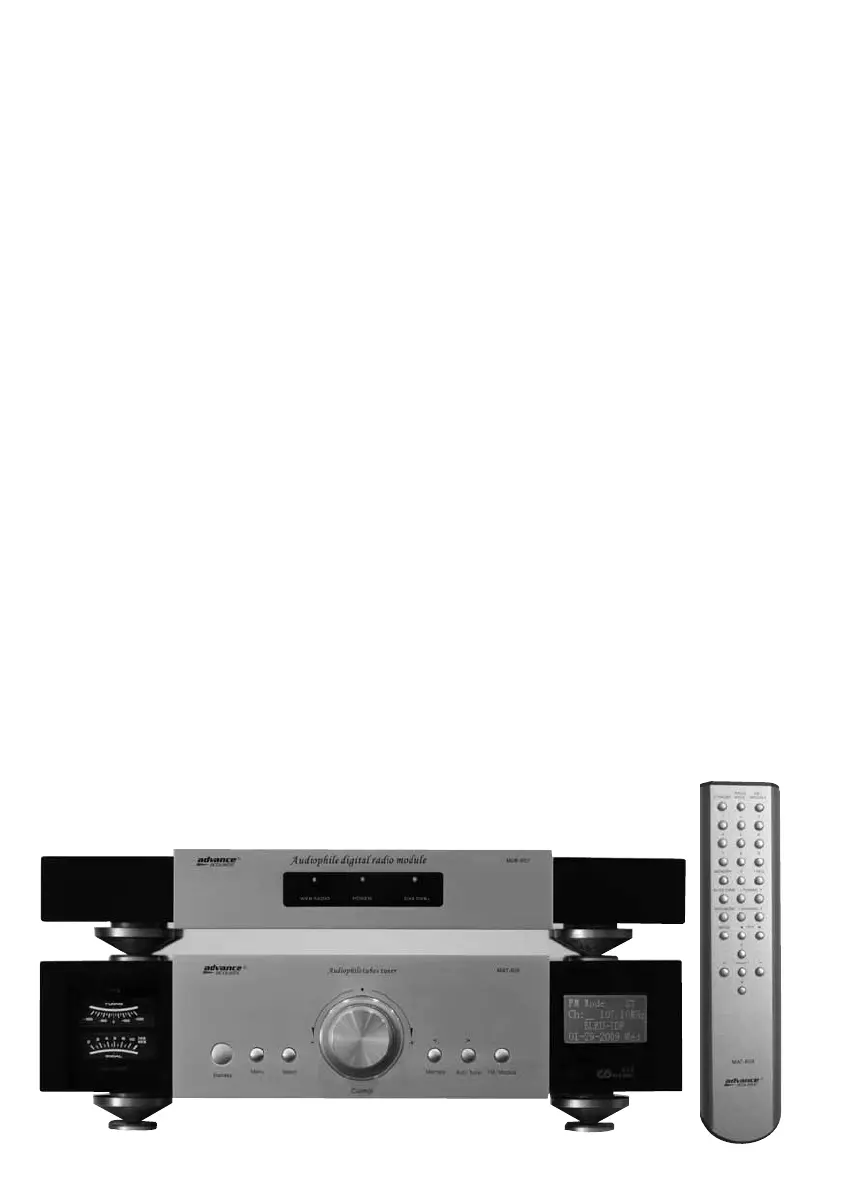
Pour mettre en marche votre radio internet MDB-607, après l’avoir correctement raccordé au
MAT-605 et branché son cordon secteur, appuyez qur le bouton Standby de votre télécommande
ou sur le bouton standby de la face avant de votre MAT-605. L’interrupteur général situé au dos
de votre MAT-605 doit être sur ON.
Patientez le temps de préchauffage de votre tuner, celui-ci étant équipé de tubes, il sera opéra-
tionnel après une temporisation de 60 secondes.
Lorsque vous allumez pour la première fois votre MAT-605/MDB-607, sélectionner dans le menu
la langue de votre choix puis vous aurez accés à un assistant de configuration afin de permettre
sa connection au réseau internet.
ONLY FEW MINUTES NEEDED !
To turn on your MDB-607, press the ON/OFF button on the remote control or on the MAT-605.
If you have just connected the power cable and switch ON the MAT-605, be patient, your MAT-
605 includes a tubes and takes around 60 seconds to really switch ON. If nothing happens,
please check f you switch ON the general power supply switch located at the back panel of the
MAT-605.
When switching the device on for the first time, it will display a language selection dialog. The
selection applies to the menus and operating system.
The network configuration wizard
When switching it on for the first time, the MAT-605/MDB-607 do not yet have any information
about the possible network environments from which it will be getting its content. After switching it
on for the first time and selecting a language, the Configuration Wizard must be activate.
GUIDE D’APPRENTISSAGE RAPIDE
QUICK START GUIDE


 To Next Page
 Loading...