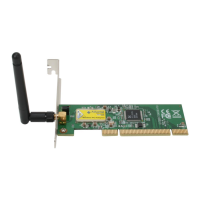
Wireless Default SSID is assigned as “SoftAP-56”.
Step 7: To make sure your Soft AP is working properly, you need to use another computer
which with Wireless LAN feature to access
SoftAP-56 AP. In the below example, use another
PC with Wireless feature in Vista Operation System. Go to Start Control Panel
Choose “Network and Sharing Center” option Click “Connect to a network” to search
the available networks.


 To Next Page
 Loading...