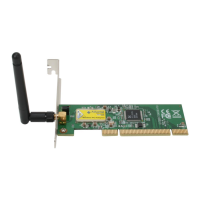
To check if Wireless PCI card is properly installed, you can right-click My Computer
choose Properties click Device Manager.
When Utility setup is completed, the Wireless LAN utility’s main page will automatically
show up on your screen.
Also, a shortcut named Realtek Wireless LAN Utility will appear in the computer’s
desktop. Double click the shortcut and start using the WLAN PCI Card.

 To Next Page
 Loading...
