16
aee.com
DE
EN
ES
PT
IT
EL
FR
NL
PL
CS
HU
SV
FI
NO
RU
DA
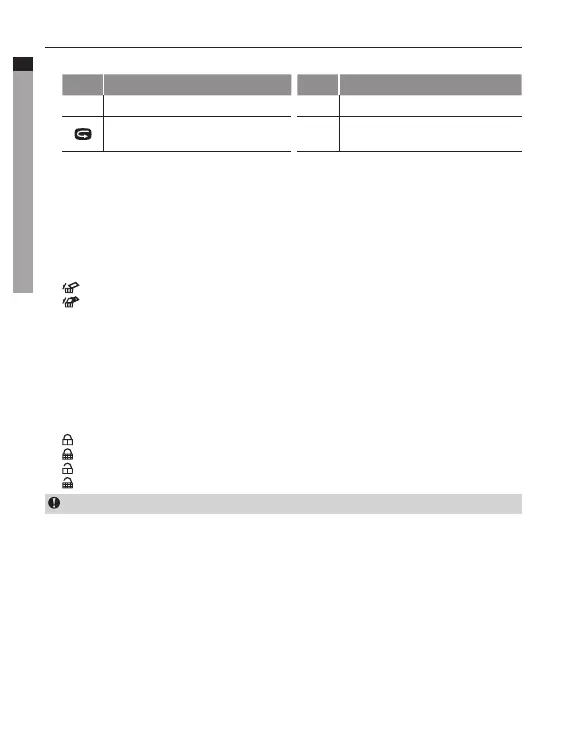
- When playing audio files, the functions of various keys are listed as below:
Key Functions Key Functions
-
Decrease volume;
+
Increase volume;
Pressittoreturntothefilepreview
interface;
OK
Play/pause.
2. Delete Files
a. Under file playback or thumbnail preview mode, move the cursor to the file icon you
want to delete;
b. Press"M"keytoenterfileoperationmodeandmovethecursorto"Deletefile";
c. Press"OK"keytoconfirm;
d. Movethecursorto"deletesingle"/"deleteall"andpress"OK"keytodeletethefile(s).
: Delete single
: Delete all
3. File Protection and Unlocking
a. Under file playback or thumbnail preview mode, move the cursor to the file icon you
want to protection;
b. Press"M"keytoenterfileoperationmodeandmovethecursorto"fileprotection";
c. Press"OK"keytoconfirm;
d. Selectprotectiontypeandpress"OK"toconfirm:
:Protectsingle
:Protectall
: Unlock single
: Unlock all
The protected files cannot be deleted. However, such files can be deleted by formatting.



 To Next Page