11.8 Drying reminder
After cooking with a steam heating function the display prompts to dry the oven.
Press YES to dry the oven.
11.9 How to use: Drying
Use it after cooking with a steam heating function or steam cleaning to dry the cavity.
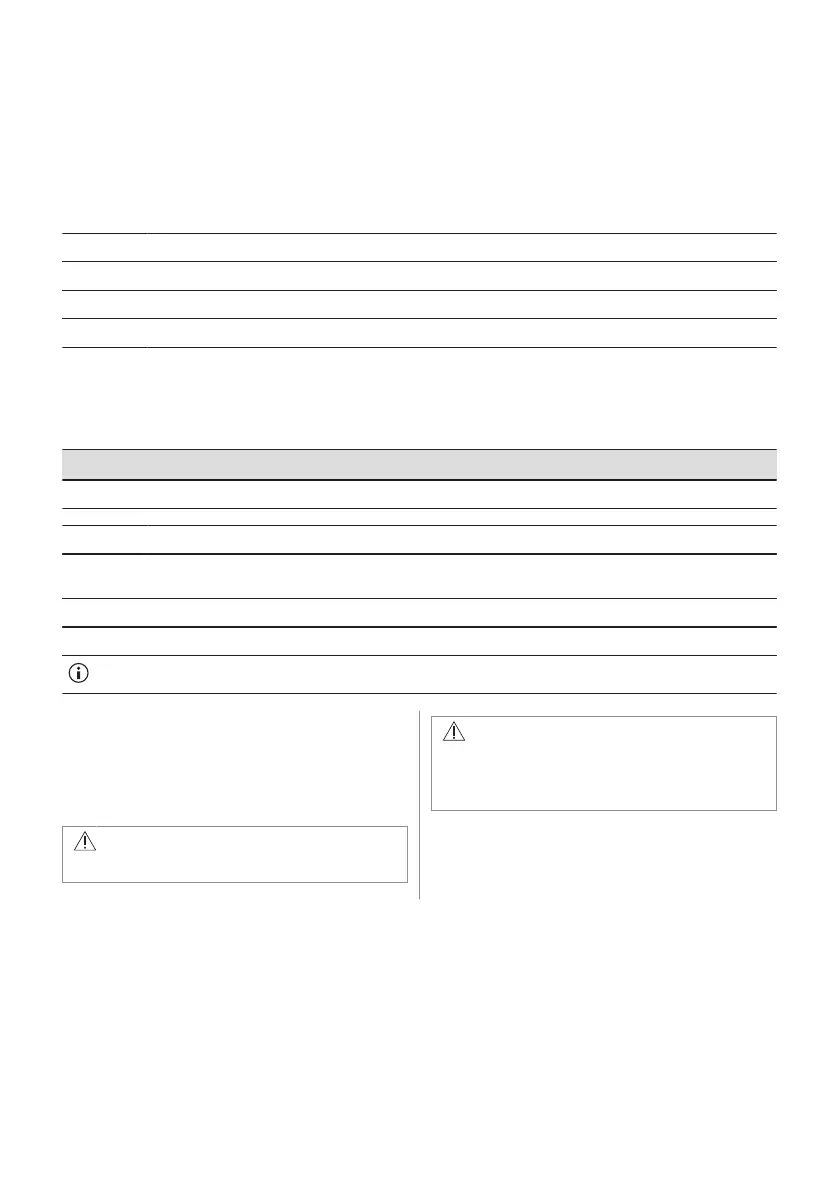
Step 1 Make sure the oven is cold.
Step 2 Remove all accessories.
Step 3 Select the menu: Cleaning / Drying.
Step 4 Follow the instructions on the screen.
11.10 How to use: Tank emptying
Use it after cooking with steam heating function to remove the residual water from the water
drawer.
Before you start:
Turn off the oven and wait until it is cold. Remove all accessories.
Step 1 Place the deep pan on the first shelf position.
Step 2 Select: Menu / Cleaning / Tank emptying.
Duration: 6 min
Step 3 Turn on the function and follow the instruction on the display.
Step 4 When the function ends, remove the deep pan.
When this function works, the lamp is off.
11.11 How to remove and install:
Door
You can remove the door and the internal
glass panels to clean it. The number of glass
panels is different for different models.
WARNING!
The door is heavy.
CAUTION!
Carefully handle the glass, especially
around the edges of the front panel. The
glass can break.
26 ENGLISH



 To Next Page