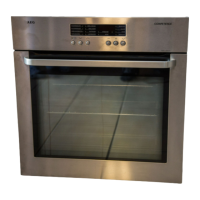
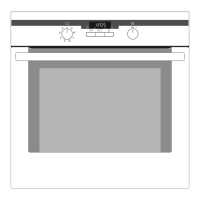
9
Before using for the first time
Setting and changing the current time
3 The oven only operates when the time has been set.
When the appliance has been con-
nected to the electrical supply or
when there has been a power cut,
the function indicator Time
flashes automatically.
1. To change the time that has already
been set, press the Selection but-
ton repeatedly, until the function
indicator Time flashes.
2. Set the current time using the or
button.
After approx. 5 seconds, the flash-
ing stops and the clock displays the
time of day set.
The appliance is now ready to use.



 To Next Page
 Loading...