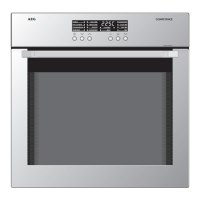
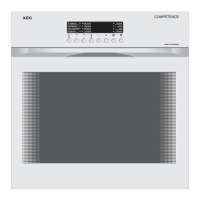
Operating Instructions
24
END TIME
1. Select oven function and temperature.
2. Press selector button Y repeatedly
until the END TIME function indica-
tor flashes.
3. Using the + or - buttons set the
time at which you require the oven
to switch off.
After approx. 5 seconds the display
will switch to the oven temperature
set.
The END TIME function is on.
When the time has elapsed the
function indicator will flash, an
acoustic signal will sound for
2 minutes and the oven will switch
off.
To switch the acoustic signal off:
press any button


 To Next Page
 Loading...