Charging
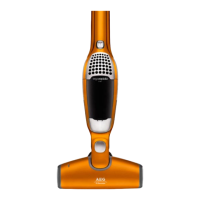
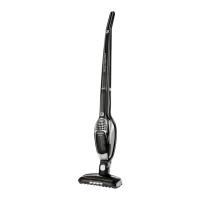
1. Ergorapido: The indicator light will come on
once the Ergorapido is positioned correctly in the
charging station. When fully charged, the LED will
be on for a few seconds per minute.
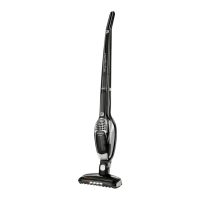
2. Ergorapido Plus: The battery capacity display
lights will come on one after another as the
machine is charging after being positioned
correctly in the charging station.
3. When fully discharged , approximately 16 hours’
charging is required to regain full battery capacity
(4 hours for Ergorapido Plus). Leave Ergorapido
on charge when not used to maintain battery
performance.
Battery capacity display*
1. 3 blue lights: battery capacity >75%
2 blue lights: battery capacity 75-25%
1 blue light: battery capacity <25%
1 blue blinking light: battery capacity – empty
2. If a red light is lit:
Unit is too hot. Clean fi lters, brush roll, hose and •
put on charge.
If a red light is blinking the motor is overloaded. •
Clean brush roll.
3. When fully charged the LED’s* will turn off and
go into standby mode = much lower power
consumption, indicated with one blink per minute.
5


 To Next Page
 Loading...