9.1 Installing and configuring
"My AEG"
When connecting the washing machine
to the application, stand near it with your
smart device.
Make sure that your smart device is
connected to the wireless network.
1. Go to the App Store on your smart
device.
2. Download and install the App "My
AEG".
3. Make sure you started a Wi-fi
connection in the washing machine.
If not, read the next paragraph
'Configuring the washing machine
wireless connection'.
4. Start the application. Select the
country and language and login with
Your email and password. If you do
not have an account, create a new
one following the instructions in "My
AEG".
5. Follow the instructions on the App
for the washing machine registration
and configuration.
A message appears on the washing
machine display to confirm that the
configuration was successful.
9.2 Configuring the washing
machine wireless connection
1. In the programme list screen, tap on
the shortcut
to enter the setting
menu.
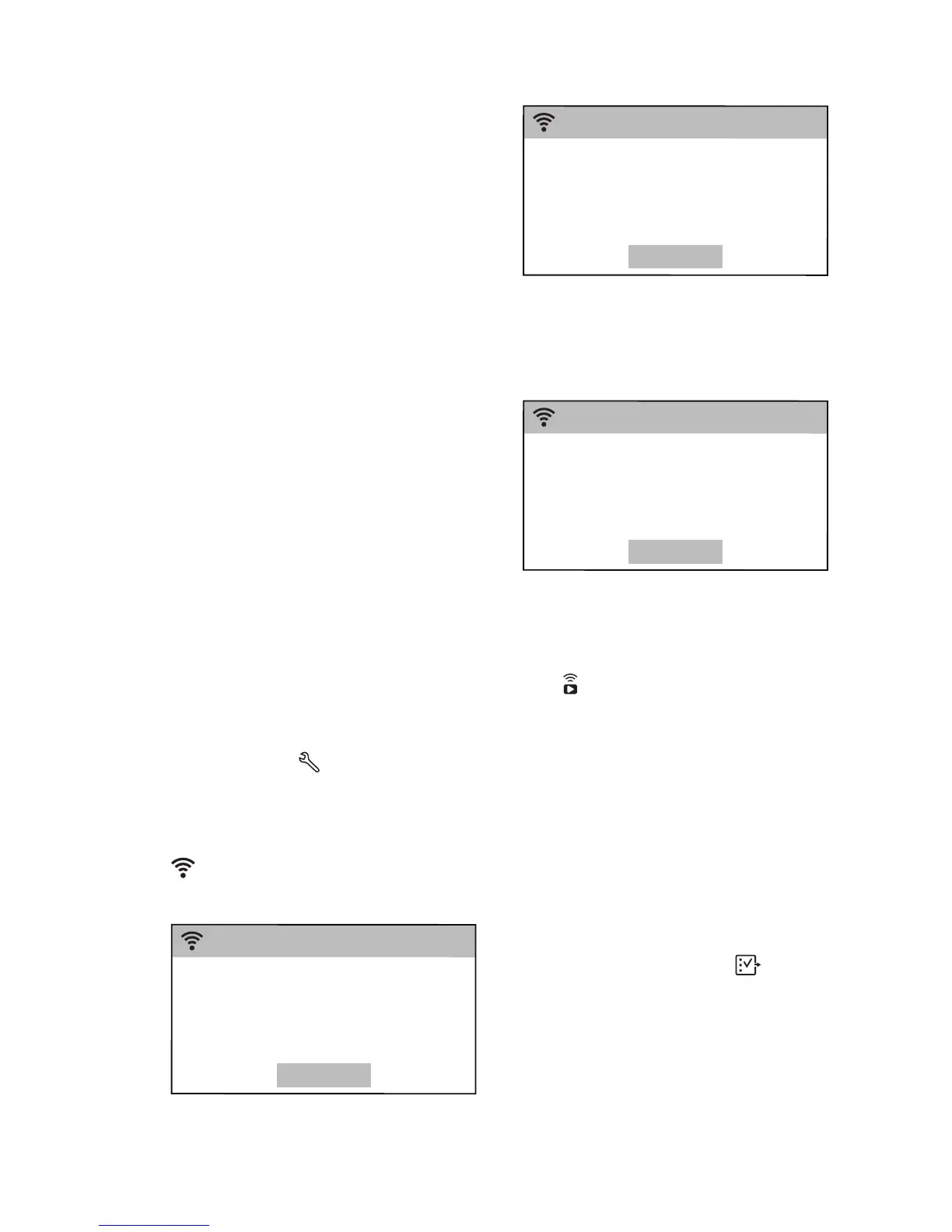
2. Tap on the Wi-Fi bar to switch the
connection on .
A pop-up message will appear, the icon
starts flashing and wireless module
begins starting up. It may take about 2
minutes before it is ready.
3. Configure the "My AEG" app on
your smart device.
4. If the connectivity is configured, a
message appears on the washing
machine display to confirm that the
configuration was successful.
5. Tap on OK to get back to the
machine settings list.
6. Tap on Programmes to get back to
the programme list screen.
9.3 Remote Start Mode
You can start and stop a washing
programme remotely.
When the App is installed and the
wireless connection is complete, the
Remote Start Mode option will appear
among the available options of each
programme.
To activate the remote start:
1. In the programme list screen, select
the desired programme.
2. When the programme summary
screen appears, tap on
More to
enter the option list.
3. Tap on the Remote Start Mode bar
to activate it (ON status). The
following message pops up:
www.aeg.com
20


 To Next Page