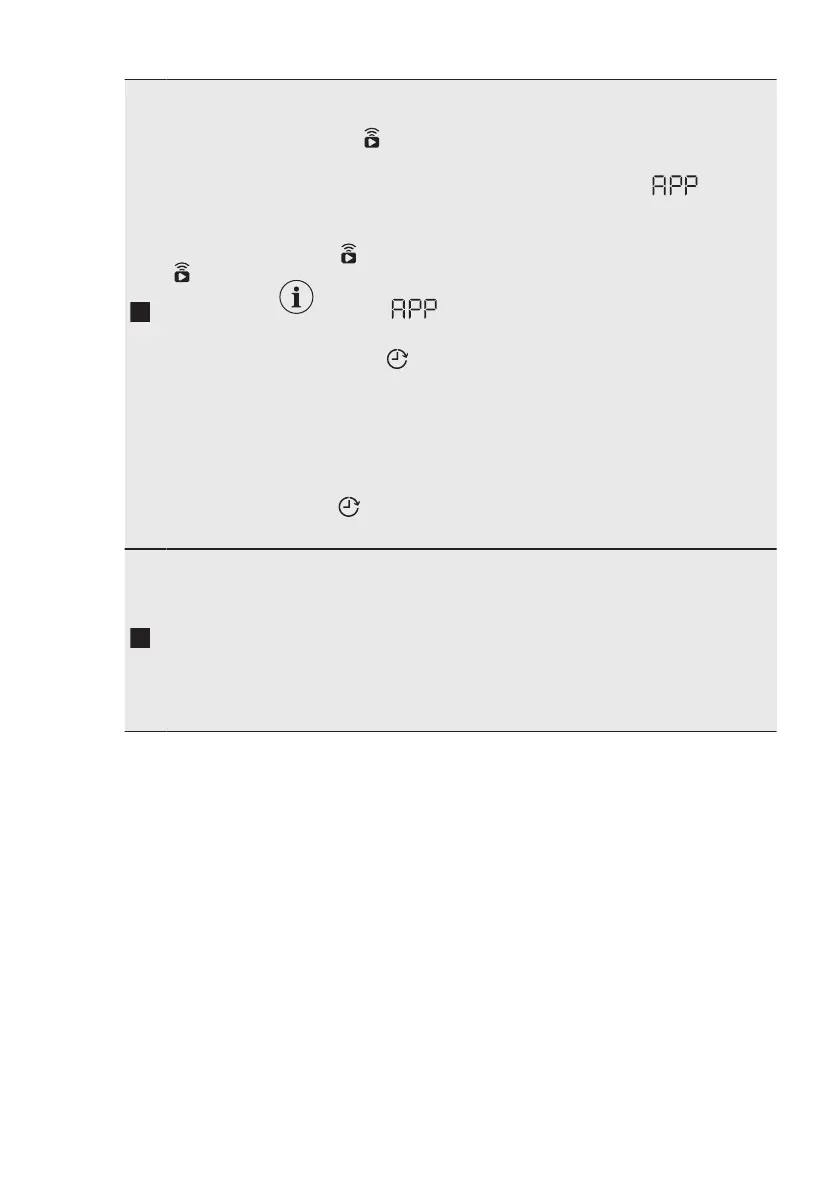
Remote/De‐
lay Start
touch but‐
ton
Press this button repeatedly to activate one of the two options or both.
The relevant indicator comes on in the display.
• Remote
Select this option to connect appliance with App.
Touch this button, the display shows the indicator blinking
for a few seconds.
After touching the Start/Pause button, the display shows the indi‐
cator
and the Remote is confirmed.
When touching the Start/Pause button after the in‐
dicator stops blinking, the Remote Start is
not activated, but the set programme starts.
• Delay Start
With this option you can delay the start of a programme in a more
convenient time.
Touch the button repeatedly to set the required delay. The time in‐
creases by steps of 30 minutes up to 90' and from 2 hours up to
20 h.
After touching the Start/Pause button, the display shows the indi‐
cator and the selected delay time and the appliance begins the
countdown.
Time Save
touch but‐
ton
With this option you can decrease the programme duration:
• Daily
If your laundry is normally or lightly soiled, it may be advisable to
shorten the washing programme. Touch this button once to de‐
crease the duration.
• Super Quick
In case of smaller load, touch this button twice to set an extra
quick programme.
www.aeg.com16


 To Next Page