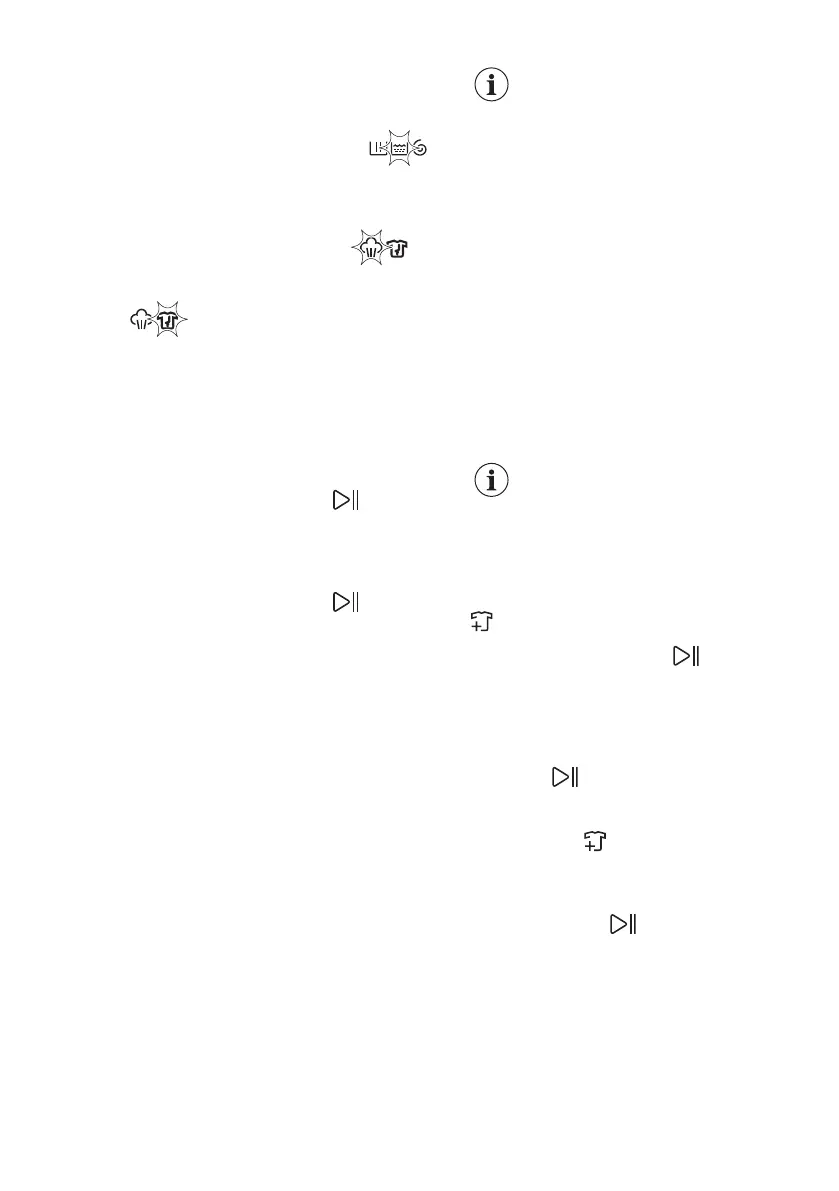
When the phase ends the relevant
indicator stops flashing and is steady on.
The next phase indicator starts flashing.
E.g. the rinse phase is running: .
If you select the Plus Dampf the steam
phase indicators come on.
The steam phase is running: .
The anti-crease phase is running:
.
12.9 Interrupting a
programme and changing the
options
When the programme is running, you
can change only some options:
1. Touch the Start/Pause button.
The related indicator flashes.
2. Change the options. The given
information in the display changes
accordingly.
3. Touch the Start/Pause button
again.
The washing programme continues.
12.10 Cancelling a running
programme
1. Press the Ein/Aus button to cancel
the programme and to deactivate the
appliance.
2. Press the Ein/Aus button again to
activate the appliance.
Now, you can set a new washing
programme.
If the ProSense phase is
already carried out and the
water filling is already
started, the new programme
starts without repeating the
ProSense phase. The water
and the detergent are not
drained out in order to avoid
waste. The display shows
the maximum duration of the
programme, updating it
about 20 minutes after the
starting of the new
programme.
12.11 Opening the door -
Adding garments
While a programme or the delay start
operates, the appliance door is locked.
If the temperature and level
of the water in the drum are
too high and/or the drum still
rotates you cannot open the
door.
You can easily open the door for adding
or removing some items when the icon
is lighted on.
1. Touch the Start/Pause button.
In the display the related door lock
indicator goes off.
2. Open the appliance door. If
necessary, add or remove the items.
3. Close the door and touch the Start/
Pause button.
The programme or the delay start
continues.
When the icon goes off, the door can
be opened when the programme is
complete. You may also set a spinning or
draining programme/option and than
press Start/Pause button. If the spin
and drain programmes are not available
in the programme dial, they can be set
via App.
12.12 End of the programme
When the programme has finished, the
appliance stops automatically. The
ENGLISH 33



 To Next Page