14
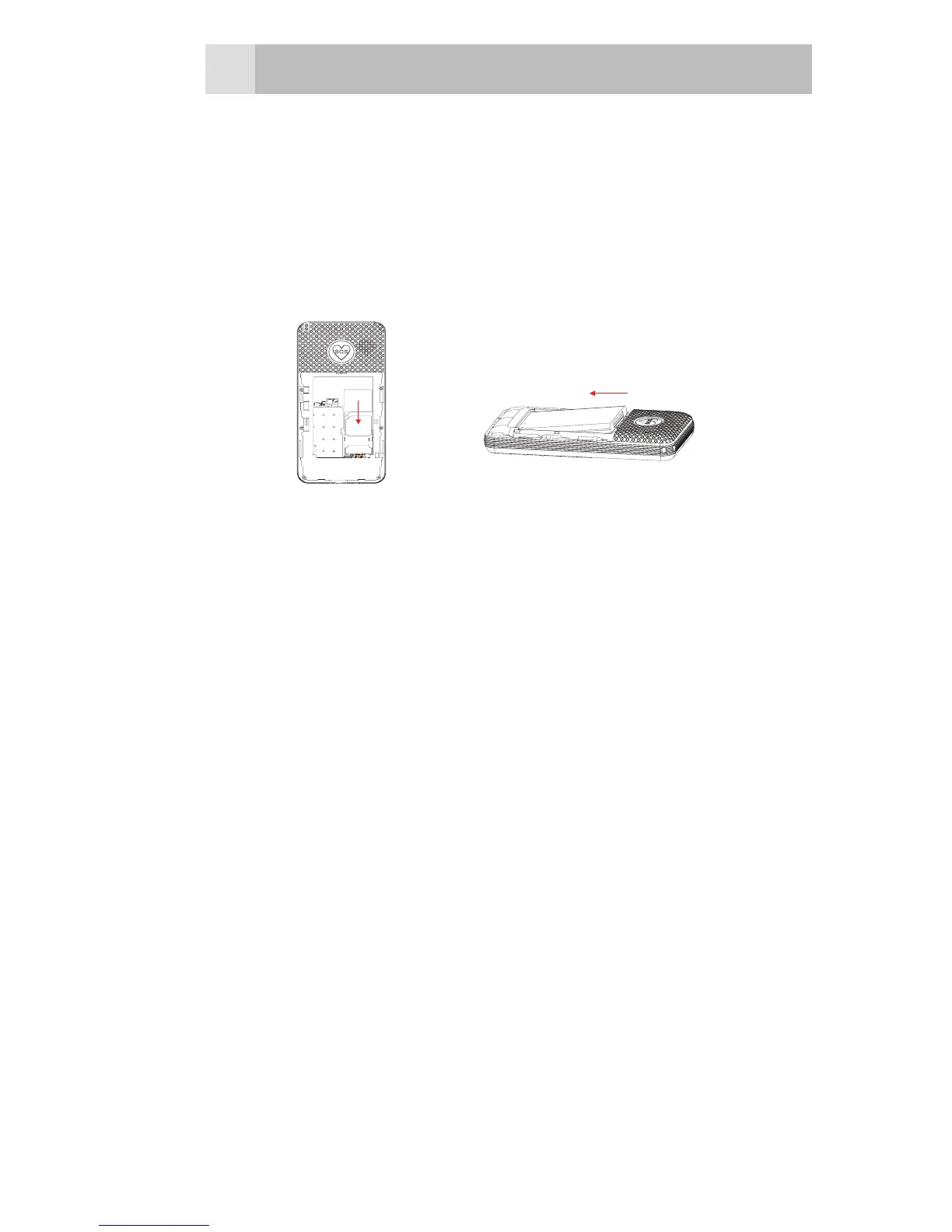
bottom of the battery down until it
clicks into place (2).
•Replacethebackcoverbyplacingit
flat on the back of the handset and
pushing up until it clicks into place.
1 2
6.2 Charge the battery
Warning:
Use only supplied/approved batteries
and chargers. Using others may be
dangerous and will invalidate approvals
or warranty. A battery must be fitted.
Do not charge with the back cover
removed.
•Connect the charger lead rmly
into the DC socket at bottom of the
handset.
•Plug the mains power adapter into
an AC mains socket. If the handset
is turned on, “Charger connected”
displays for a few seconds, and



 To Next Page