21
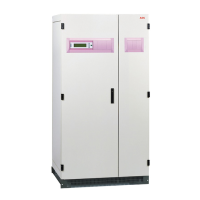
Protect D 6000/10000BP LCD unit
Identify the final position and keep ‘3U’ space for this installing, and it is
recommended to be installed below to UPS.
Note that you already installed a ‘rail kit’ to rack cabinet for this operation,
and ‘2U’ rail kit is recommended to be selected.
1. Install ‘Ear bracket’ to the unit by the M4 screws (flat head).
2. Slide the unit into ‘rail kit’ and make sure tighten the ‘rack mounting
screw’.
3. Connect Protect D 6000/10000BP LCD to UPS with ‘Battery power
cable’.



 To Next Page
 Loading...