76
10.3.1 Replacing the External Battery Module
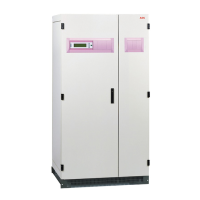
NOTE: Extended Battery Module cabinet, refers to Protect D
6000/10000BP LCD cabinet
The External Battery Module is heavy. Lifting the cabinet into a rack
requires two people at least.
Turn the MBS to bypass and switch off the input and then replace the
External Battery Module (s).
To replace the External Battery Module (s):
1. Unplug the External Battery Module power cable from the UPS.
If additional External Battery Module (s) are installed, unplug
the power cable from each External Battery Module.
2. Replace the External Battery Module (s). See "Recycling the
used equipment" refer to chapter 10.5 for proper disposal.
A small amount of arcing may occur when connecting the External Battery
Module to UPS. This is normal and will not harm personnel. Please connect
the External Battery Module cable to the UPS quickly and firmly.
3. Plug the External Battery Module cable(s) into the battery
connector(s).
4. Verify that the External Battery Module connections are tight,
and there are adequate bend radius and strain relief exist for
each cable.



 To Next Page
 Loading...