26
Before connecting PV-Panels to DC terminals, make sure the polarity of
each connection is correct. An incorrect connection could permanently
damage the device.
6.3 using thE lcd disPlay
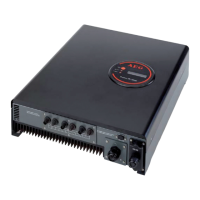
Use the Function Button to customize the LCD display settings, or view
further information about the internal status of your PV-Inverter.
Press the Function Button to
change the LCD display.
Pressing the Function Button during
the ‘Normal’ state displays the grid
voltage.
Pressing the Function Button twice
reveals the grid frequency.
Pressing the Function Button three
times displays the PV-Panel input
voltage.
Pressing the Function Button four times
reveals the input current.
Pressing the Function Button five times
displays the output current to the grid.


 To Next Page
 Loading...