aeno.com/documents 9
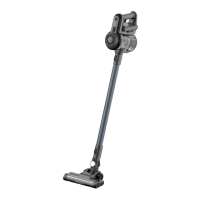
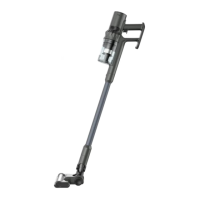
the other end of the metal extension tube attach one of the brushes of the kit:
, or . You can also attach the brushes directly to the dustbin housing
(without the metal extension tube).
To turn the cleaner on or off, press the switch on the handle of the battery
pack. Use the button on the handle of the battery pack to change the
vacuum cleaner's operating mode when the device is already on.
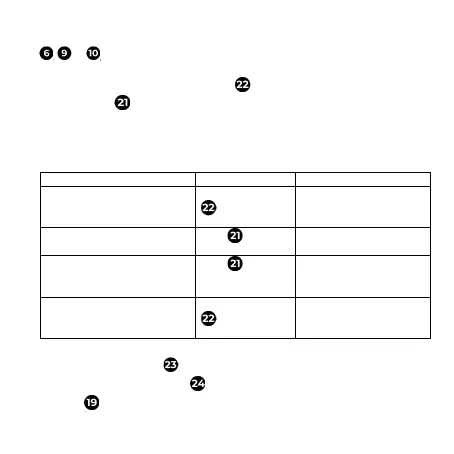
The vacuum cleaner operates in two modes: normal mode and turbo mode.
The modes are switched one by one with a button.
Table of vacuum cleaner operation modes
The battery is charged, but
the vacuum cleaner motor
does not run
turns on and operates in
normal mode
operates in normal mode
Click
operates in turbo mode
operates in turbo mode
Click
operates in normal
mode
operates in one of two
modes
turns off
Before cleaning the dustbin housing, disconnect the battery pack by pressing
the rectangular button (see figure c). The bottom lid of the dustbin is
opened by pressing the latch . You can also remove the MIF filter from the
housing and rinse it with water. To do this, unscrew the top part of the


 To Next Page
 Loading...