aeno.com/documents 9
Plug the power adapter into a power outlet and place the vacuum cleaner in
the charging base so that the charging base plug fits into the socket on the
handle of the vacuum cleaner housing. It takes 4–5 hours to charge the battery
fully. When the battery is fully charged, all four bars will be lit on the battery
pack indicator (see figure h).
When fully charged, remove the vacuum cleaner from the charging base. To
turn the cleaner on or off, press the trigger switch located on the handle of
the vacuum cleaner housing (see illustration a). Use the button on the back
of the battery pack (see figure h) to change the vacuum cleaner's operating
mode if the unit is already on. The vacuum cleaner operates in three modes:
economy mode, medium mode and turbo mode. The modes are switched with
the button one by one.
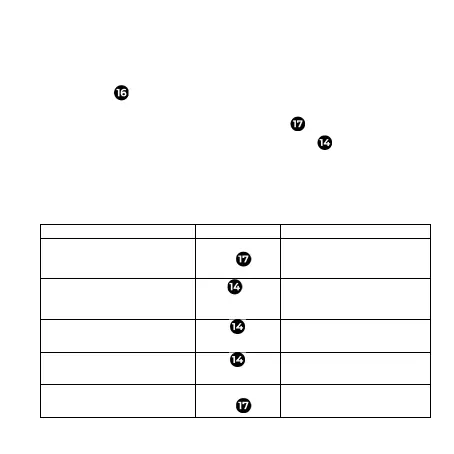
Table of vacuum cleaner operation modes
The vacuum cleaner is off
switch
on and operates in
economy mode
and operates in economy
mode
Click
operates in medium mode
operates in medium mode
Press one
more time
operates in turbo mode
operates in turbo mode
Press one
more time
operates in economy mode
operates in any mode
switch
off


 To Next Page
 Loading...