17
WARM UP
COOL DOWN
SELECT
P1-P9
H1-H3
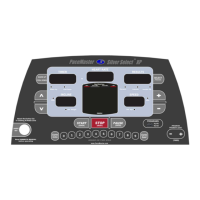
THE PACEMASTER SILVER SELECT XP CONTROL PANEL (cont’d)
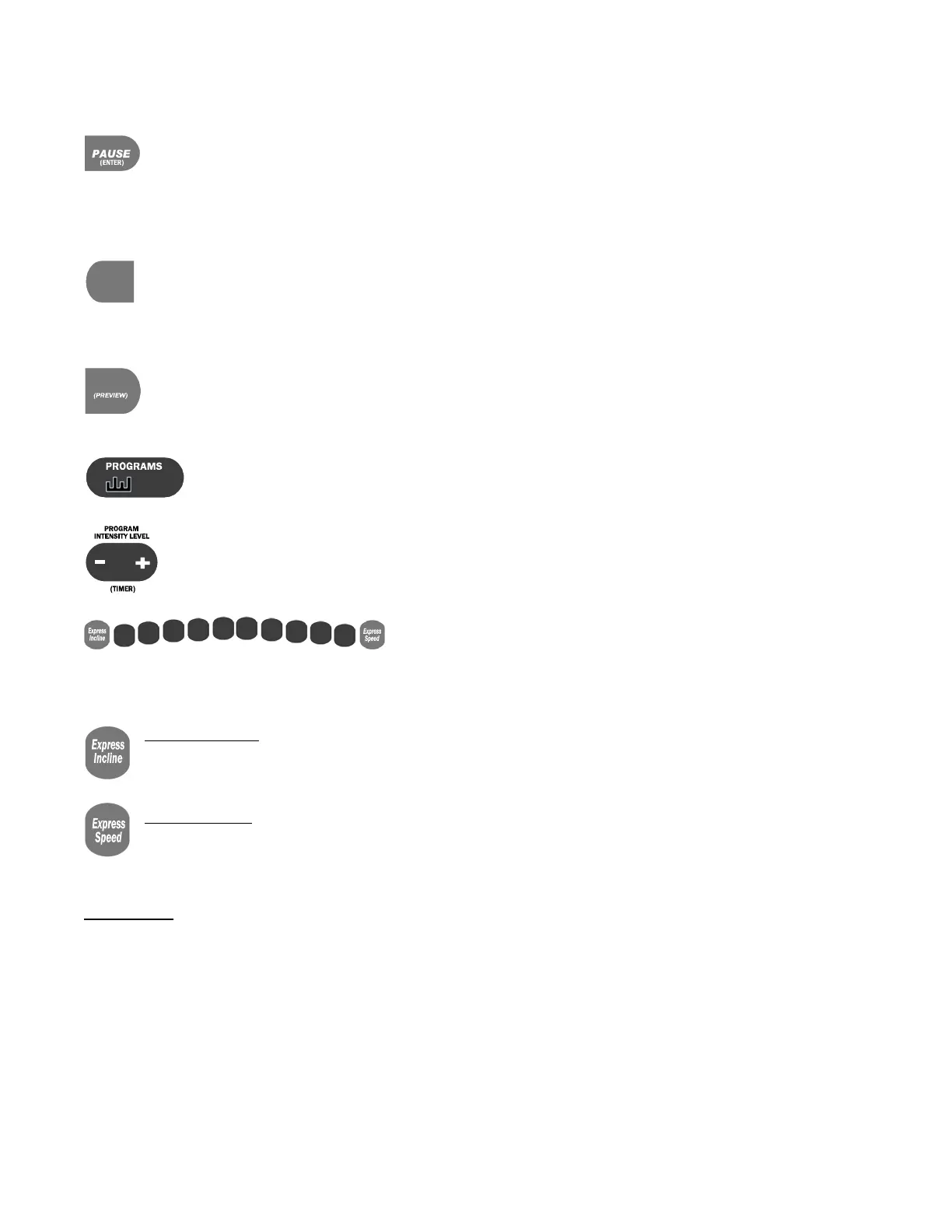
PAUSE (ENTER) button – Has two functions. 1) It is used to ENTER your body weight and the program time for a workout.
2) During a workout, pressing this button will PAUSE your exercise, or put it "on hold". The treadmill stops but retains the
distance, calories and Aerobic Points accumulated thus far, as well as the speed setting and remaining time. The symbol -P-
flashes in the SPEED display to indicate the PAUSE feature has been activated. To resume your workout where you left off, press
START. This feature is will not work during a cool down. This feature can not be used in the cool down mode or heart rate control
programs.
Warm Up / Cool Down button – Prior to starting, this button allows you to add or remove a 5-minute Warm Up and/or 5-
minute Cool Down phases to your workout. During Warm Up, pressing the Warm Up / Cool Down button discards the
remaining warm up time and advances you to the main workout phase. During the main workout, pressing the Warm Up / Cool
Down button discards the remaining time and starts the Cool Down phase. Fitness experts strongly recommend a warm up before and a
cool down following your aerobic workouts. See the WARM UP and COOL DOWN section in this manual for details.
SELECT (PREVIEW) button – Has two functions. 1) Prior to and during your workout this button is used to select the value
(distance, calories, or aerobic points) displayed in the Results window. During your workout you can press and hold this
button until the word “SCAn” appears in the Results display, now each value (distance, calories, and points) will be displayed
for 3 seconds on a rotating cycle. 2) It is used to change the treadmill setting from English units to Metric units (see “Metric units” page 12).
PROGRAMS buttons – The PROGRAMS button is used to select one of the programmed workouts. For details, refer
to the PROGRAMS section in this manual.
PROGRAM INTENSITY LEVEL (TIMER) buttons – Has two functions. 1) Use these buttons to set your workout time for
both a TIMED WORKOUT and the factory WORKOUTS. 2) Use these buttons to set or change the program intensity level
in a programmed WORKOUT.
0
1
2
3
4 5
6
7
8
9
EXPRESS KEYS – As an alternative to continually pressing the INCLINE ▲or
▼buttons to increase or decrease incline or the SPEED + or - buttons to increase or decrease speed, See the section “Using Express
Buttons”.
EXPRESS INCLINE
–. For example, if you want to adjust the incline to 10%, press the EXPRESS INCLINE button, then 1, then
0. The incline will automatically increase to 10%. The EXPRESS INCLINE buttons adjusts incline in 1.0% increments. To
adjust the incline to 8.0%, press EXPRESS INCLINE, then 8.
EXPRESS SPEED – For example, if you choose to increase the speed to 5.0 mph, press the EXPRESS SPEED button, then 5,
then 0. The speed will automatically be increased to 5 mph. The EXPRESS SPEED buttons adjust speed in 0.1 mph
increments. To adjust speed to 5.3 mph, press EXPRESS SPEED, then 5, then 3.
DISPLAYS
RESULTS display – Displays Distance, Calories and Aerobic Points. Additionally, during the selection or use of a programmed
WORKOUT the chosen or current intensity level is displayed.
TIMER display – Displays time in minutes and seconds (mm:ss) up to 59 minutes and 59 seconds. Times of 1 hour to a maximum of 4
hours are displayed as hours and minutes (
–
h: mm), with the dash as the first digit. For example,
–
1:15 represents one hour and 15
minutes. In Quick Start, the TIME display counts up (elapsed time). In other modes of operation the TIME display counts down (time
remaining). When using warm up and/or cool down, time will display as a 5-minute countdown for the warm up phase, a countdown for the
main exercise phase and then a 5-minute countdown for the cool down phase.


 To Next Page
 Loading...