CUSTOM PROGRAMS
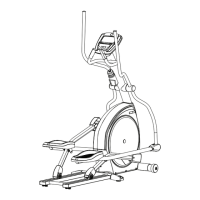
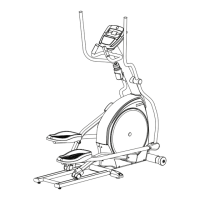
(4.1AE HAS 3 CUSTOM PROGRAMS, 3.1AE HAS 2 CUSTOM PROGRAMS)
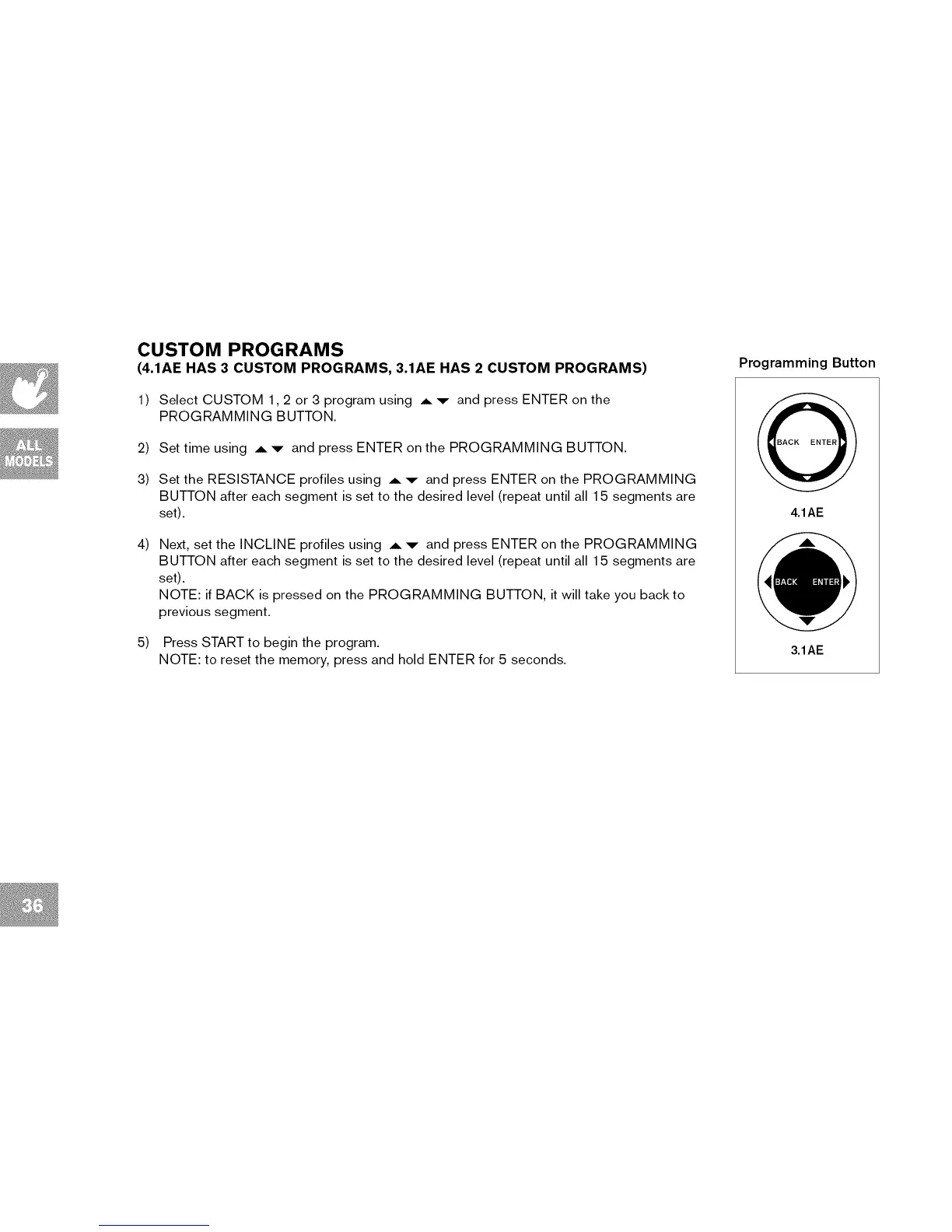
Programming Button
1) Select CUSTOM 1,2 or 3 program using A ,v- and press ENTER on the
PROGRAMMING BUTTON.
2) Set time using A'v- and press ENTER on the PROGRAMMING BUTTON.
3) Set the RESISTANCE profiles using A "9- and press ENTER on the PROGRAMMING
BUTTON after each segment is set to the desired level (repeat until all 15 segments are
set).
4) Next, set the INCLINE profiles using A ,v- and press ENTER on the PROGRAMMING
BUTTON after each segment is set to the desired level (repeat until all 15 segments are
set).
NOTE: if BACK is pressed on the PROGRAMMING BUTTON, it will take you back to
previous segment.
5) Press START to begin the program.
NOTE: to reset the memory, press and hold ENTER for 5 seconds.
4.1AE
3.1AE



 To Next Page