8
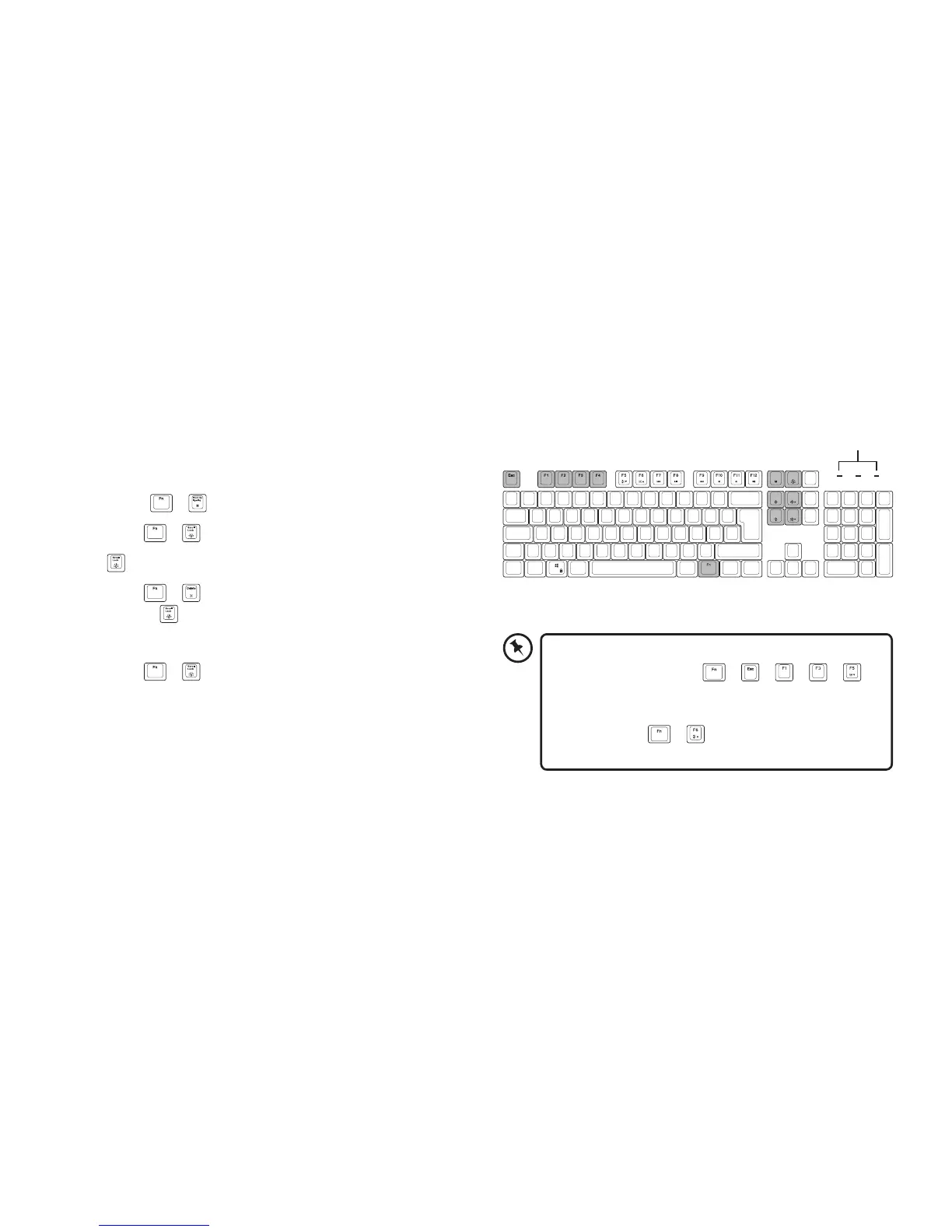
To reset customised backlight eect to default
setting, press and hold
+ + + +
until all backlights start lighting in succession.
If you found that all backlights have dimmed,
you may press
+ to increase the backlight
brightness.
Print Sc
SysRq
Scroll
Lock
Insert Home
Delete End
Customising the backlight eect
You may customise the backlight for each keypress.
1. Select
+ to enter backlight setting mode.
2. Press
+ , all LED indicators will ash.
3.
will light up the colour that is chosen.
4. Press
+ to select the colour (8 colours or no
colour).
will show the desired colour.
5. Press the key(s) you wish to light on.
6. Press
+ when done.
LED indicators



 To Next Page