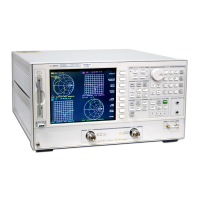
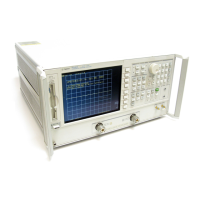
3-28
Replacing Assemblies
A100 Display, Backlights, and Filter
A2 Display Replacement
Display Replacement
1 Carefully slide the display into the rubber mount. Align the pins on
the mount with the holes in the display.
2 Replace the display shield.
3 Close the flaps on the rubber mount.
4 Carefully place the display mount into position in the front frame
assembly as shown in Display Removal procedure.
5 Plug the flat flex cable into the display connector.



 To Next Page
 Loading...