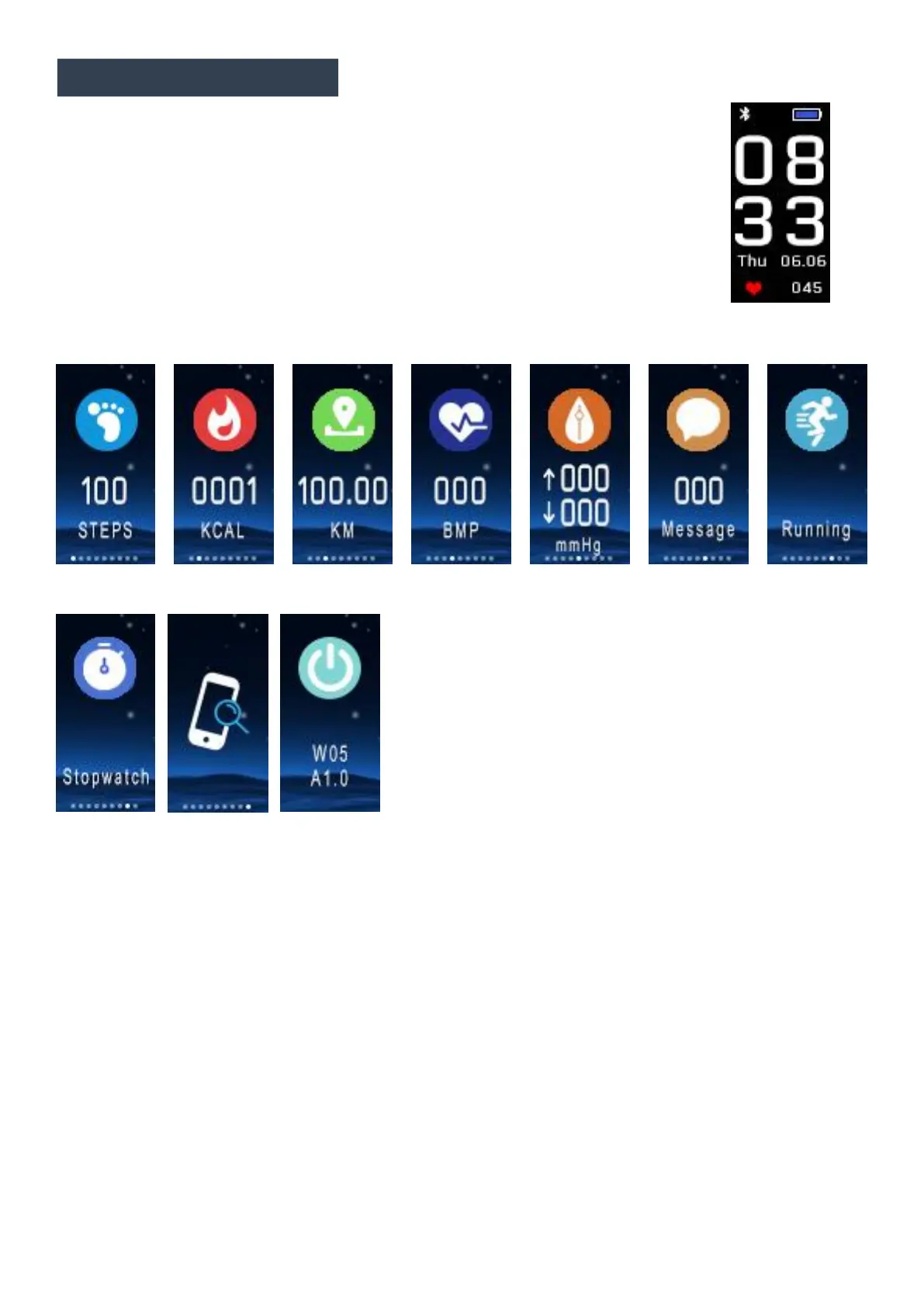
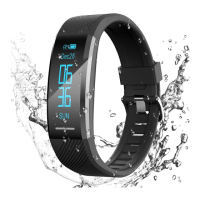
The default or “home” interface is a clock, which is available in
On the clock interface you can:
Hold down to change clock interface style.
Tap to cycle through different menus and functions:
1. 3 Clock interfaces(UI) for you to choose from. You can long press the touch
button on the top of the Tracker for 5 seconds to cycle from blue ocean, purple
starry sky to multipurpose black.
2. Select the step-counting interface to view the number of walking steps per day.
3. Choose the calorie interface to see the calories you consume every day as
4. Select the distance interface to view your daily walking distance as quickly as


 To Next Page