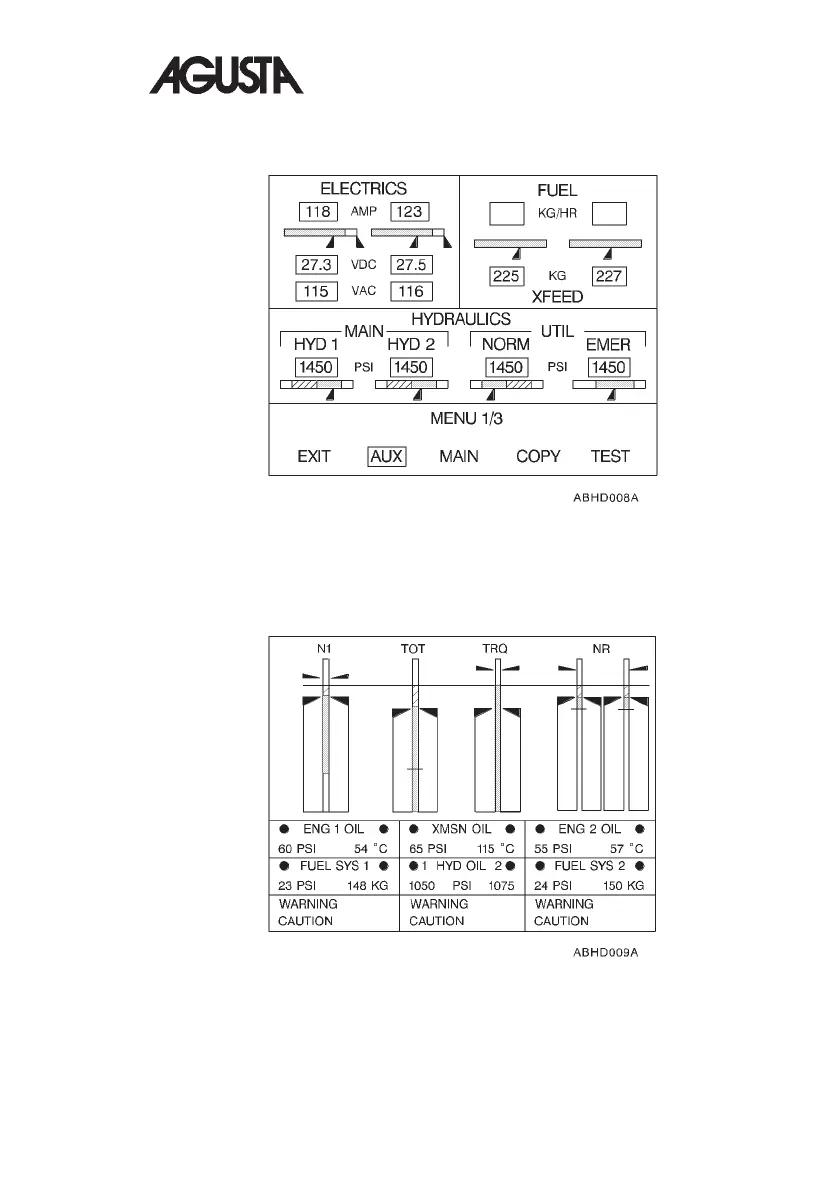
The AUXILIARY mode can be displayed by selecting the AUX key on EDU 2.
The AUXILIARY page reverts automatically to the MAIN page when any
caution/warning message occurs.
Any EDU enters in the REVERSIONARY mode when it is manually
commanded by pressing the ON/OFF switch to OFF on the failed EDU or
automatically when a critical failure occurs and is detected by the healthy EDU.
Fig. 1-13. EDU 2 - AUXILIARY Mode
Fig. 1-14. EDU 1 and/or EDU 2 - REVERSIONARY Mode
RFM A109E
R.A.I. Approved 1-23


 To Next Page