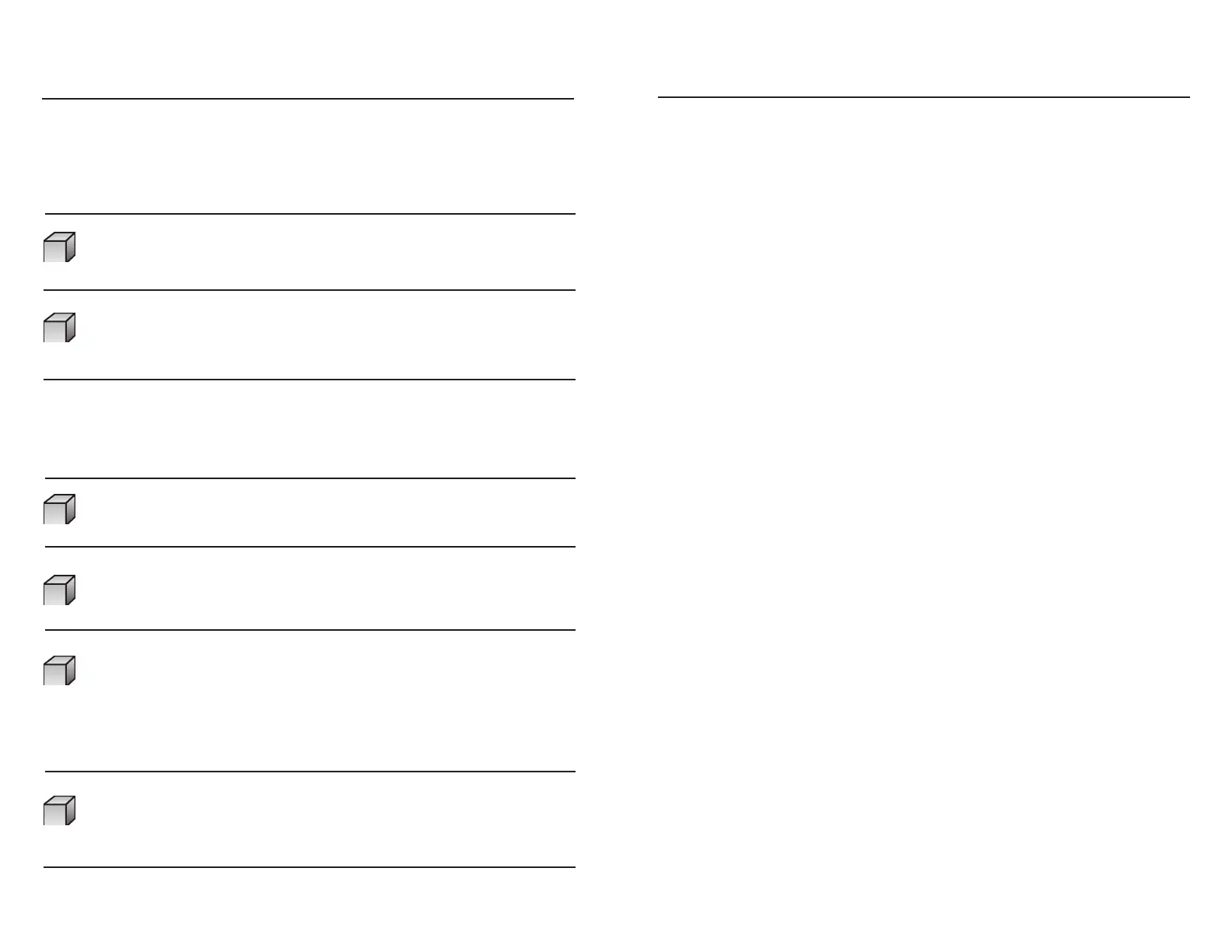
Specifications:
Maximum Continuous Power 800 Watts
Surge Capacity (Peak Power) 1600 Watts
Max Power Efficiency >80%
Waveform Modified Sine Wave
No Load Current Draw <0.9A
Input Voltage Range
AC Receptacles 110/120V AC, Grounded
Fuse 3 x 35 amp (spade type)
Weight 3.5 lbs.
Dimensions 10.5” (L) x 5.625”(W) x 2.25” (H)
267mm(L) x 143mm(W) x 57mm(H)
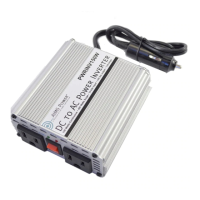
Power Cord Cable 8AWG (Black) with battery clip x 1 pc.
8AWG (RED) with battery clip x 1 pc.
Questions?
Reason Solution
Poor contact with Clean terminals
battery terminals. thoroughly. Reattach
battery clips.
Using incorrect type of Use true RMS reading meter.
voltmeter to test
output voltage.
Reason Solution
Battery voltage below Recharge or replace battery.
10.0 ± 0.5 volts.
Equipment being operated Use a higher capacity inverter
draws too much power. or do not use this equipment.
Inverter is too hot (thermal Allow inverter to cool.
shutdown mode). Check for adequate ventilation.
Reduce the load on the
inverter to rated continuous
power output
Unit may be defective. See Warranty and call
Customer service at
Troubleshooting
PROBLEM: Low or No Output Voltage
PROBLEM: Red LED On
9 10
775-359-6703
11-16VDC
9 AM to 5 PM PST or visit our website at www.aimscorp.net
If you have any questions about this product, please contact our Customer
Service Department at 775-
359-6703, Monday through Friday,


 To Previous Page