Installation
3.5.6 Supplying Power to WPUs
Bring the power cable(s) to the WPU through either the side panel or the back panel
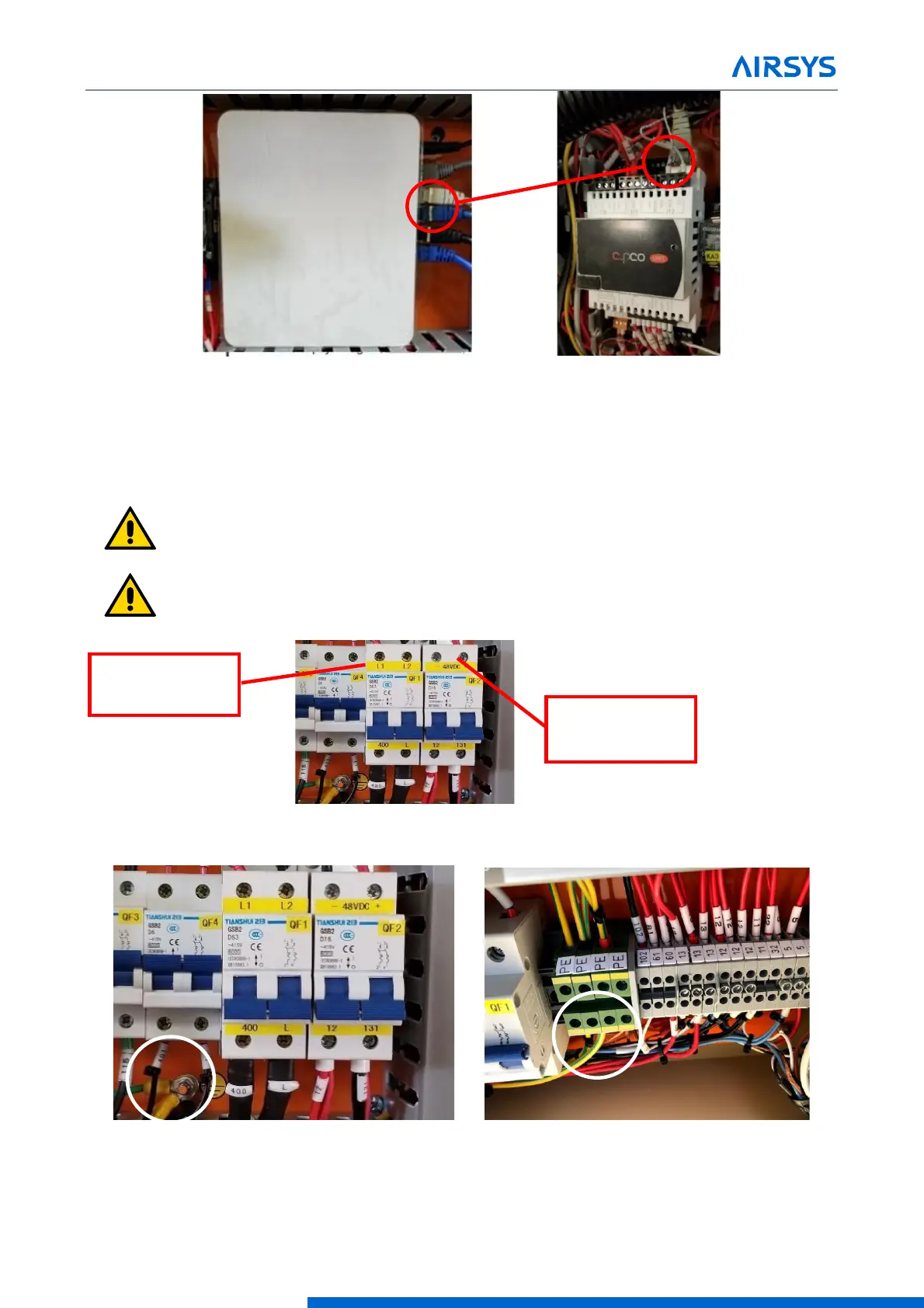
1. Connect the power cables to each WPU (Refer to nameplate for electrical ratings)
Important. Do not run high voltage cable along same exterior conduit as low
voltage/communication wire.
Important. Do not run cables through damper compartment to ensure wire/cables
do not interfere with proper operation of the damper.
2. Ground the system using ground lug or ground terminal
Prime power
connections to WPU
48VDC power
connections to WPU



 To Next Page