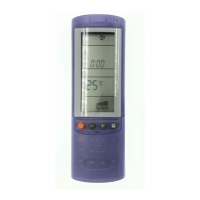
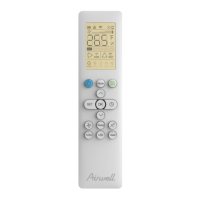
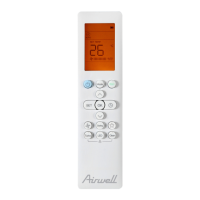
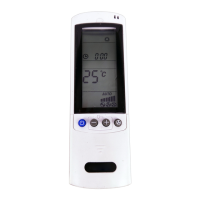
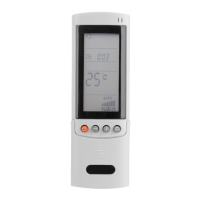
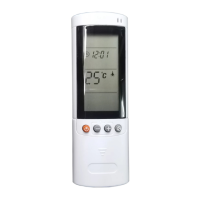
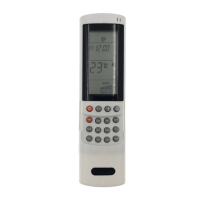
Press the TIMER button to select the desired
timer.
2. Press the SET button till the ON sign blinks.
3. Press the + or - (HOUR) button until the
desired value is displayed.
4. Press the SET button again, the OFF sign
blinks.
5. Press the + or - (HOUR) button until the
desired value is displayed.
6. Press the SET button to activate the timer.
3. Press the + or - (HOUR) button until the
desired value is displayed.
4. Press the SET button to activate the timer.
D) HOW TO CLEAR THE TIMER
1. Press the TIMER button to select the timer.
2. Press the CLEAR button if you want that every
timer operation will be cleared.
NOTE
If the procedure to set the timer is not
completed, by pushing the SET button,
within 15 seconds the timer operation will be
cancelled and the last set-up is restored.
Set vertical vanes to the front position during
COOLING/DRY operation if humidity is high.
If the vertical vanes are set to the left-most
or right-most position, condensation will form
around the air outlet and drip off.
Do not move the ap with your hands when the
air conditioner is running.
ADJUSTING THE AIR FLOW DIRECTION
HORIZONTAL (manual)
The horizontal air ow can be adjusted by moving
the vertical vanes to the left or right.
VERTICAL (with remote control unit)
The remote control gives you the possibility to
control the ap in two way:
1. Push the button to start the ap sweep. If
you push again the ap stops immediately.
2. push the button to move the ap step by
step. Or activate the horizontal air ow option
is selectable via switch.
8
NOTES
The ap automatically closes when the unit is
off.
During the heating operation, the fan speed
will be very low and the flap will be in the
horizontal position until the air being blown
out of the unit begins to warm. Once the air
warms up, the flap position and fan speed
change to the settings specified with the
remote control.


 To Next Page
 Loading...