Part VII Display test (LCD)
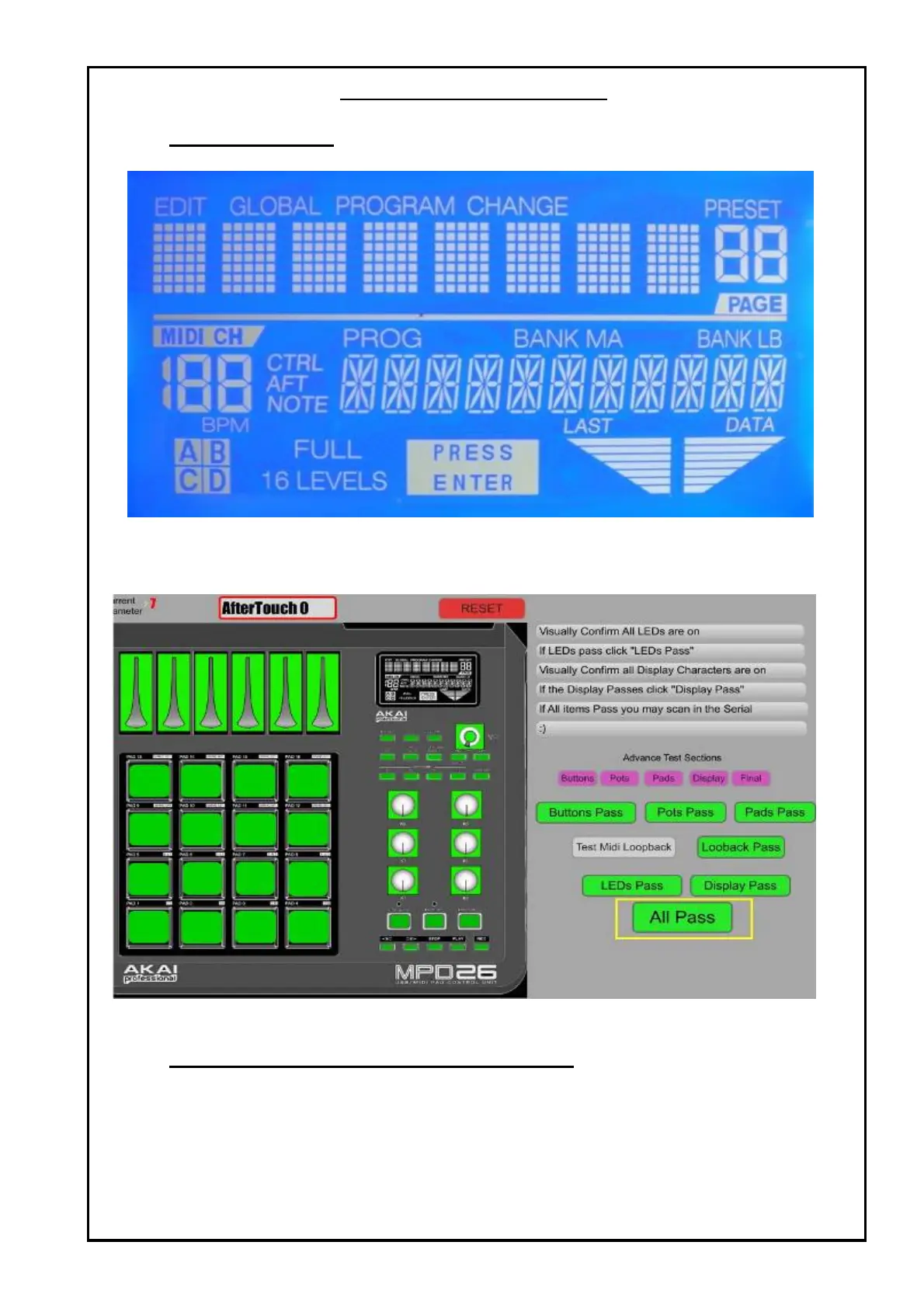
1 Confirm LCD have full pixel and no missing pixel as shown below:
Figure 11 : LCD full pixel
2 Press Display Pass Pass the test.
3 All Pass will be show as below to indicate all the test passes.
Figure 12 : All Green = All Pass
Part VIII Scanning the Bar Code.(FINAL LINE ONLY)
1 Use the bar code scanner to scan the bard code into the MPD26.
2 Note that this can be perform after All test has Pass.
~ END
~
TEST PROCEDURES


 To Previous Page