AC
56&6G%
0 75
/+I5 % 75&7; 01-&7+0&1
75&7; 01-&7+0&1 # 401;&6
75/+I5
#%&'
To avoid clicks / pops or errors when recording, the MPC5000 can
cache the beginning of the recording. When the recording starts, the
cache is added to the beginning of the sample.
For example, if you are recording from CD, and you press the (F6) [RECORD] button to start recording at 3 minutes, sample will
contain data starting from 2:59. This parameter will allow for up to one second of recording time to be cached. This is great for
sampling "on the fly" to make sure the beginning of, for example, a bass hit isn’t cut off when recording live.
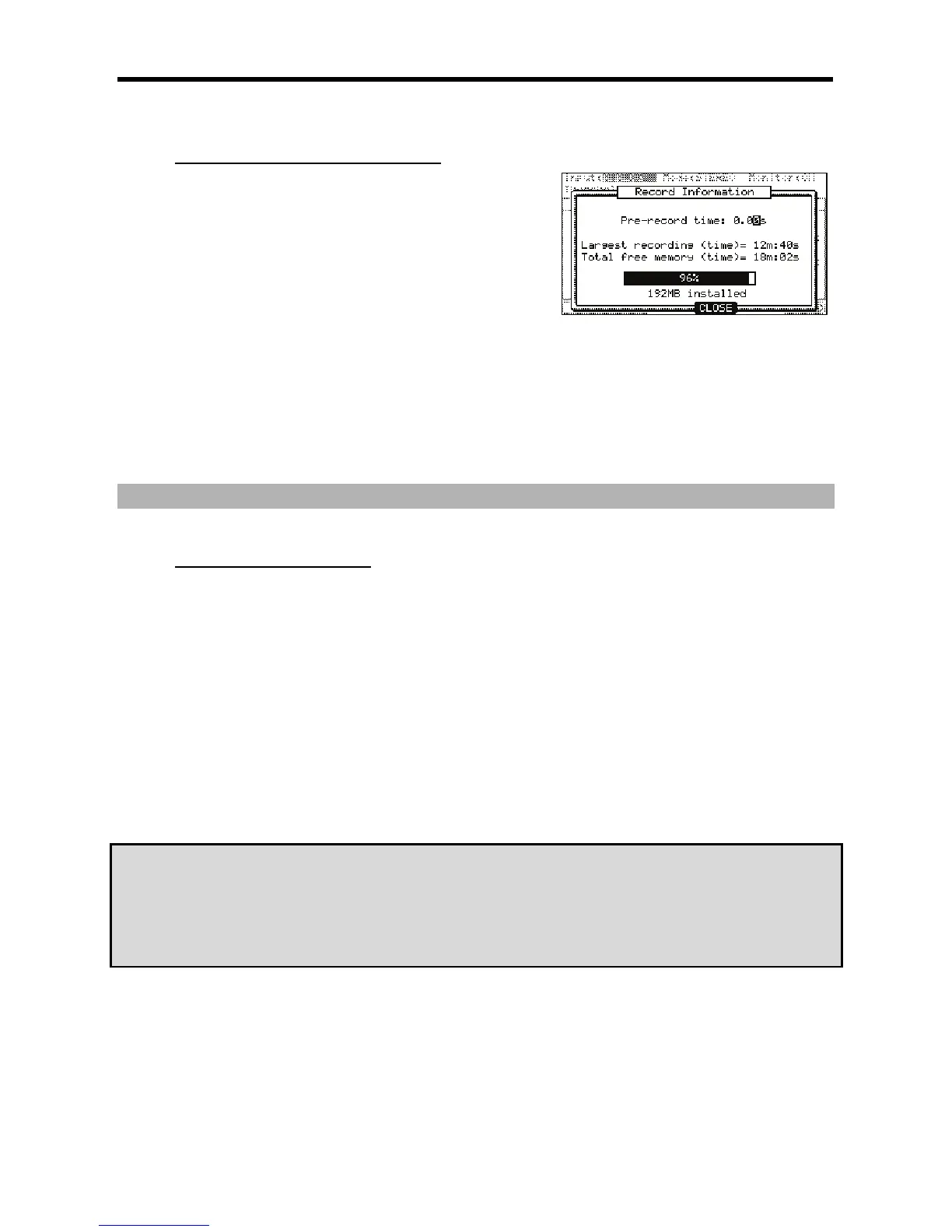
"$#%9$';
This shows the largest amount of time a single recording can be. This is especially useful when the 192MB expansion is installed.
The EXM-E3 adds a second chunk of 128MB of sample recording time, which totals 192 when combined with the built in RAM. This
allows a sample totaling 128MB in size, or over 24 minutes of mono sampling time for a single sample.
&$"(/'')9$';
This field displays how much recording time is left in RAM. This will also tell you how much RAM is installed in your unit.
;7
7%"
"$.#%
= .%75&7;01#
@ 4&;564+;>6)75/+I5*
G /,0,#
<
The MPC5000 will record the incoming signal from the RECORD IN on the rear panel.
56<6&
The MPC5000 will record the incoming signal from the DIGITAL IN on the rear panel.
In Direct Recording, the MAIN OUT/CD are not available. For this example, please select ANALOG.
> 0,,#/575&&1&
0,,#,&1,
If you set the Monitor' field to 'ON', you can hear your performance from the OUTPUT of the MPC5000.
B %J!%4758+016
?4B#52 1' !+)B5-%&
#'''&
'&"'
9;
43#'&
4 /
!"#$%&"#'&
;7,75&7;01,"
"
(;77+#


 To Next Page
 Loading...














