:5.;%
=C
0;0E('/
0 # 0;0
"
1#0;09%#
0;00;00;0/##
"#
0;0#0;0#
1,,(0;0
&--#.
0#0;00;0
0
0;0
0;0 #
-
0;0 #
00;0
% # %
0#
#0;0
= /0;02/J1
4&;56 4+; A6
)0;0*
@ 4-=6)0;0*
The MIDI page will be displayed.
G /,/,&--
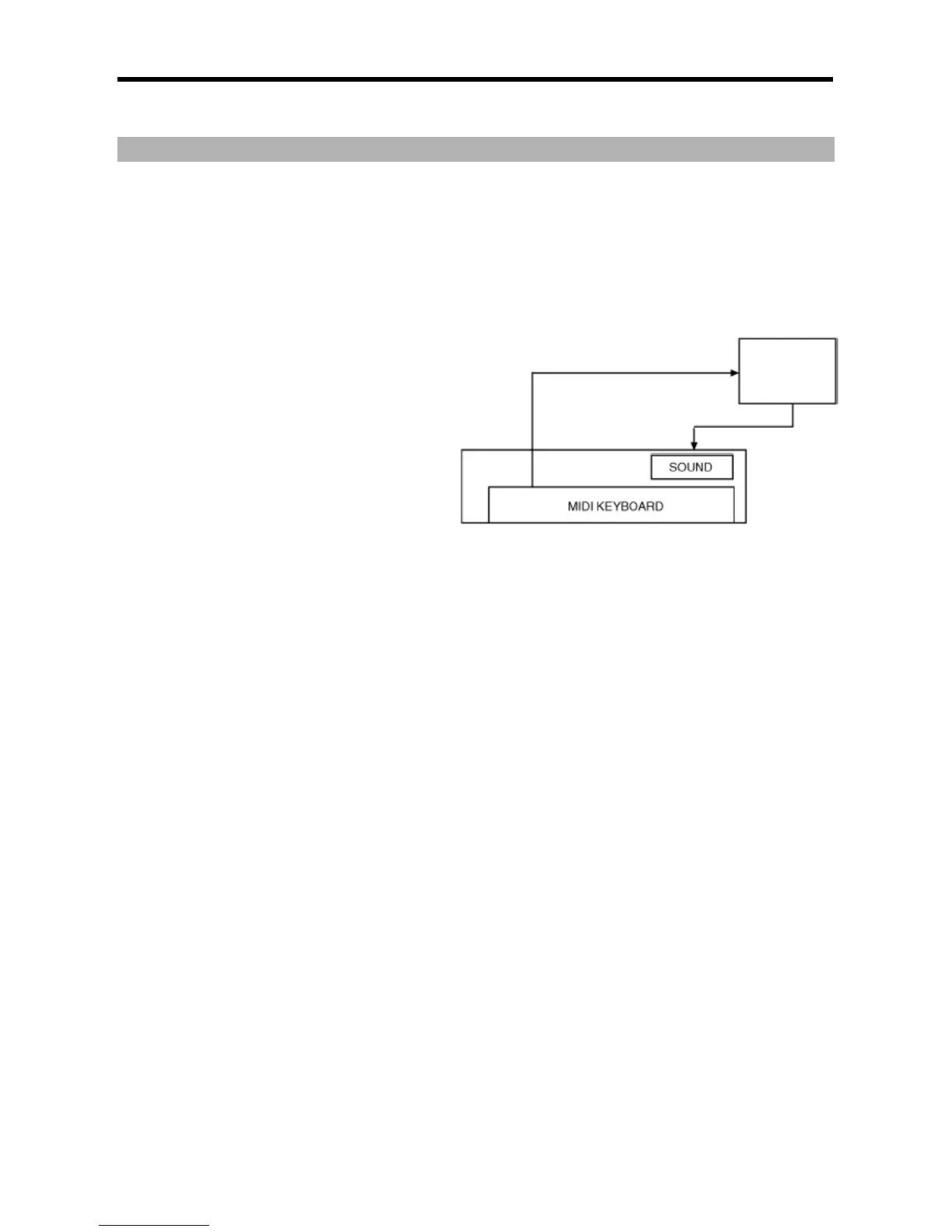
The 'soft thru' field determines how to output the incoming MIDI signal. You can select the following options:
The MPC5000 will not output the incoming MIDI signal.
+&:
The MPC5000 refers to the MIDI channel setting of the sequence’s track. The channel information of the incoming MIDI signal will be
replaced with the MIDI channel selected the track.
6>
The MPC5000 will output the incoming MIDI data as it is from MIDI OUT A.
6>!
The MPC5000 will output the incoming MIDI data as it is from MIDI OUT B.
6>
The MPC5000 will output the incoming MIDI data as it is from MIDI OUT C.
6>5
The MPC5000 will output the incoming MIDI data as it is from MIDI OUT D.
6>!
The MPC5000 will output the incoming MIDI data as it is from both MIDI OUT A and B.
6>5
The MPC5000 will output the incoming MIDI data as it is from both MIDI OUT C and D.
6>
The MPC5000 will output the incoming MIDI data as it is from all of MIDI OUT A, B, C, and D.
&6
The MPC5000 will receive MIDI from all channels, and play back MIDI on channels set to the received track.





 To Next Page