."$-D #$$. $
'$
:/(:/(
#L09;%
%JL09;J%
09;#
09;
J@252F%#&/K.2=.%
#0&#'
',4&5
',4&#
,4&
#$$. $"G%>8"%
= 0
@ 4&;564+;G6);0/E*
The DISK MODE will be displayed.
G 4->6):/(*
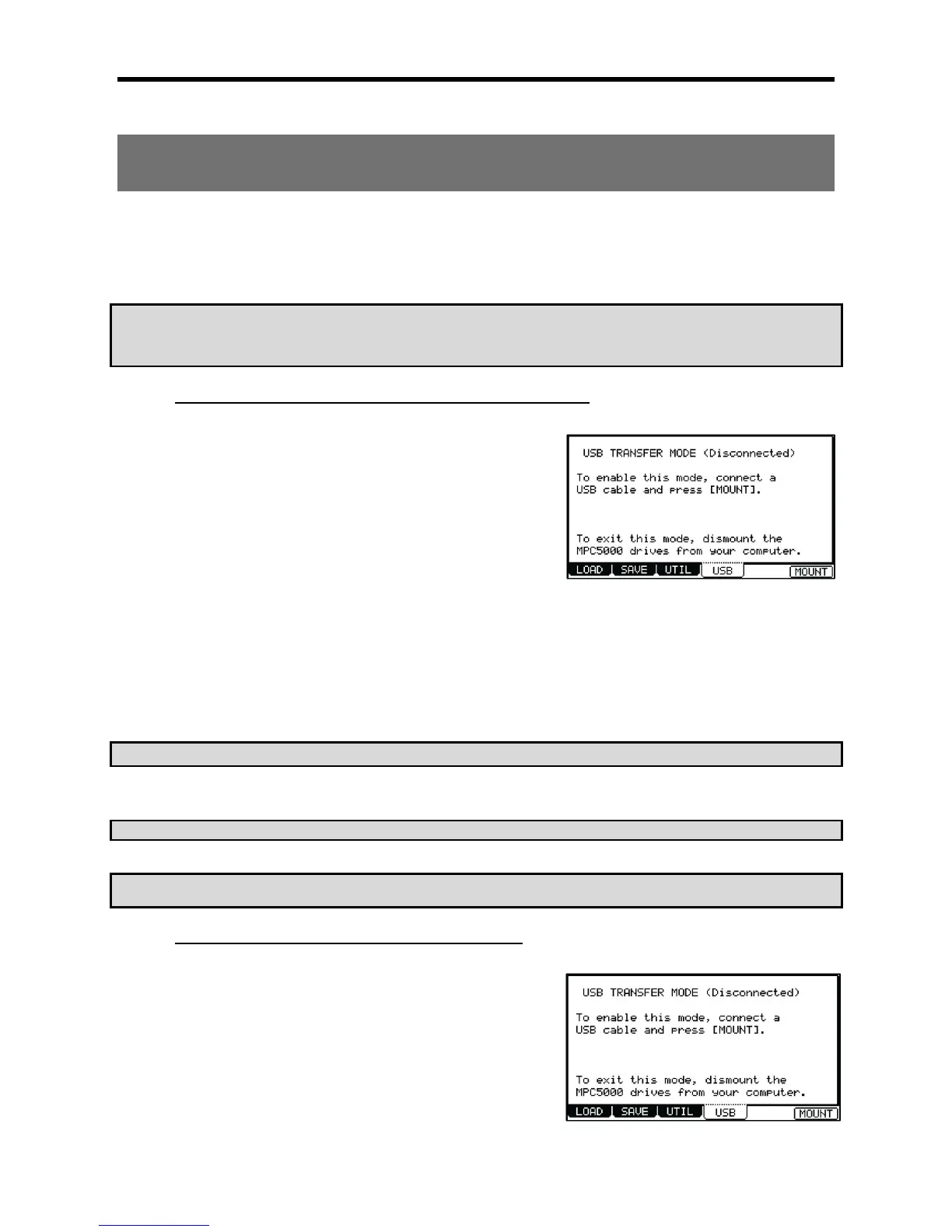
This brings up the USB page, which you use to connect the MPC5000 to the PC.
> :/( % ! :/(
!%:/(
4-B6)&:1*
B #
# X- 1 9Y &
L # X7%Y 0 ;% #
,-9;:/(/;%
C 0#,-9;%
To save the data to a PC, select the data and drag and drop it from the removable disk to the Hard Disk. To load the data, select the data and
drag and drop it from the Hard Disk to the removal media.
A #X7%Y X/:/(
/;%';%)3*Y
Q9L;R'&
When you select to stop the device, the “'USB Mass Storage Device is ready to remove safely.” dialog box will be displayed.
K 7%:/(:/(!
"==S+''S."(&
C."(&C
'."(."(&
#$$. $$."#$.
= 0
@ 4&;564+;G6);0/E*
The DISK MODE will be displayed.
G 4->6):/(*
This brings up the USB page, which you use to connect the MPC5000 to the Mac.
> :/(%! :/(
!%:/(
7%


 To Next Page
 Loading...














