EasyManua.ls Logo

Akai MPC 5000 - Page 36

Akai MPC 5000
199 pages
Print Icon
To Next Page IconTo Next Page
To Previous Page IconTo Previous Page
Loading...
/"
@@
@    "  #   ,/",    "   4;++6
3
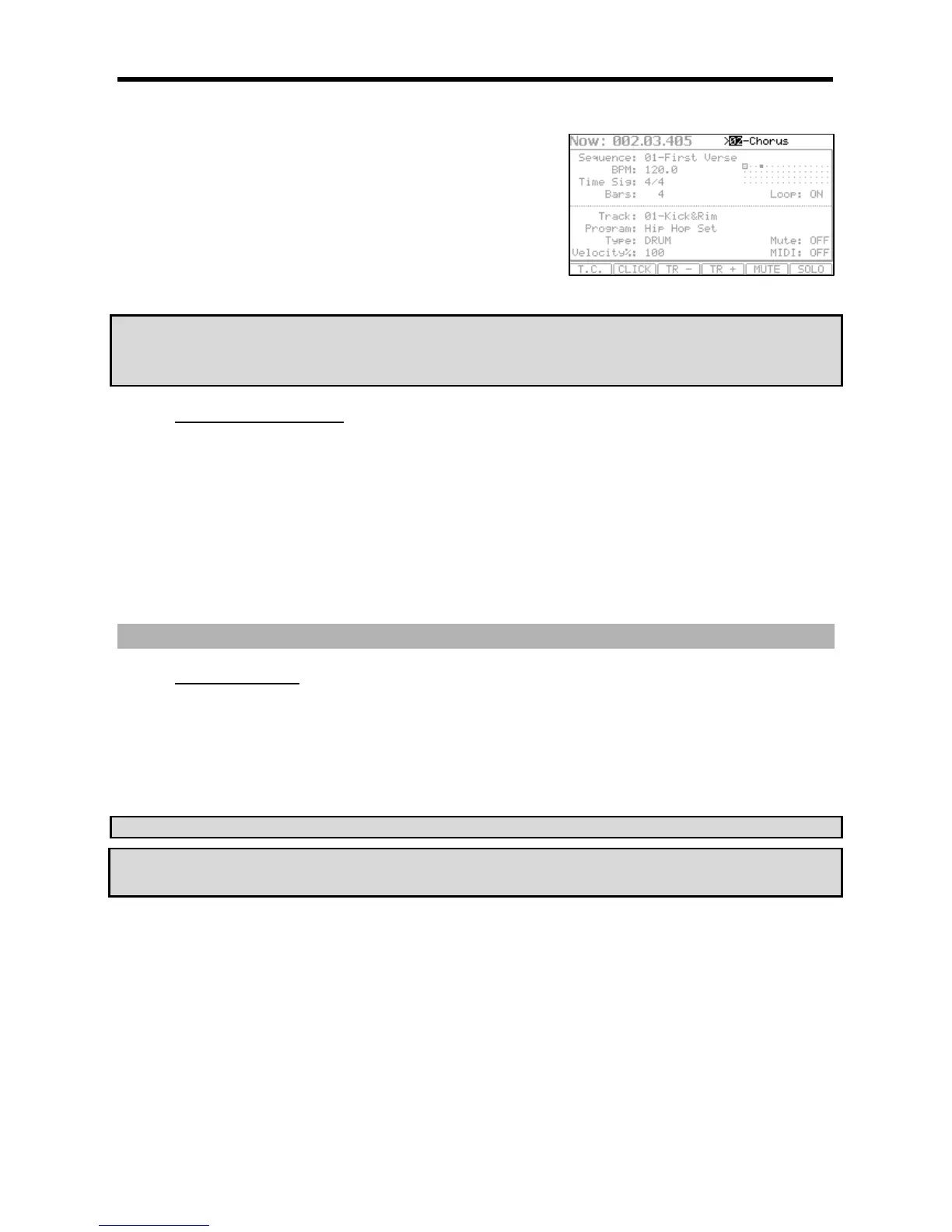
The 'Sequence' field continues to show the sequence number that is currently
playing,
The '>' field shows next sequence that will be played.
G +      "  #
       " ,%
(#%
"
When next sequence is selected, you can start to play next sequence immediately
by pressing [STEP>] button.
When next sequence is selected, you can cancel selected next sequence by pressing [<STEP] button.
?!-)@#")A%/ &*"
 6&
"$-B &*"$-B
&
#.63#.$
J"),0,*
J " ),&,*
'"
#.6
Press the [PLAY] or the [PLAY START] button to play back a sequence. At the point where you wish to start the recording, press the
[PLAY] button while holding the [REC] button. The MPC5000 will start recording.
If you press the [PLAY] button and the [OVERDUB] button instead, the MPC5000 will start the overdubbing.
#.$
If you press the [REC] or the [OVERDUB] button during the recording/overdubbing, the MPC5000 will stop the recording/overdubbing
and resume the playback.
&:-7/"
%"%%
%"#
= ;#4/&6
Undo will only work when the sequence is stopped.
@ 4:1;&6
The LED of the [UNDO] button will be off and only the last added recording will be deleted. To restore the last recording, press the [UNDO] button
again to light the LED.
C!.-4$%&
#                     &
#    '                 
&

Other manuals for Akai MPC 5000

Related product manuals