/"
G>
/
%/#%"
"%#
#%"
+/
#%4I+J64I+J/+76###
#%
1&5&1%
- ' <K &
#'#+5J.#)&*
#6I&
, / , #
3
= 0+01#,,
401;&6
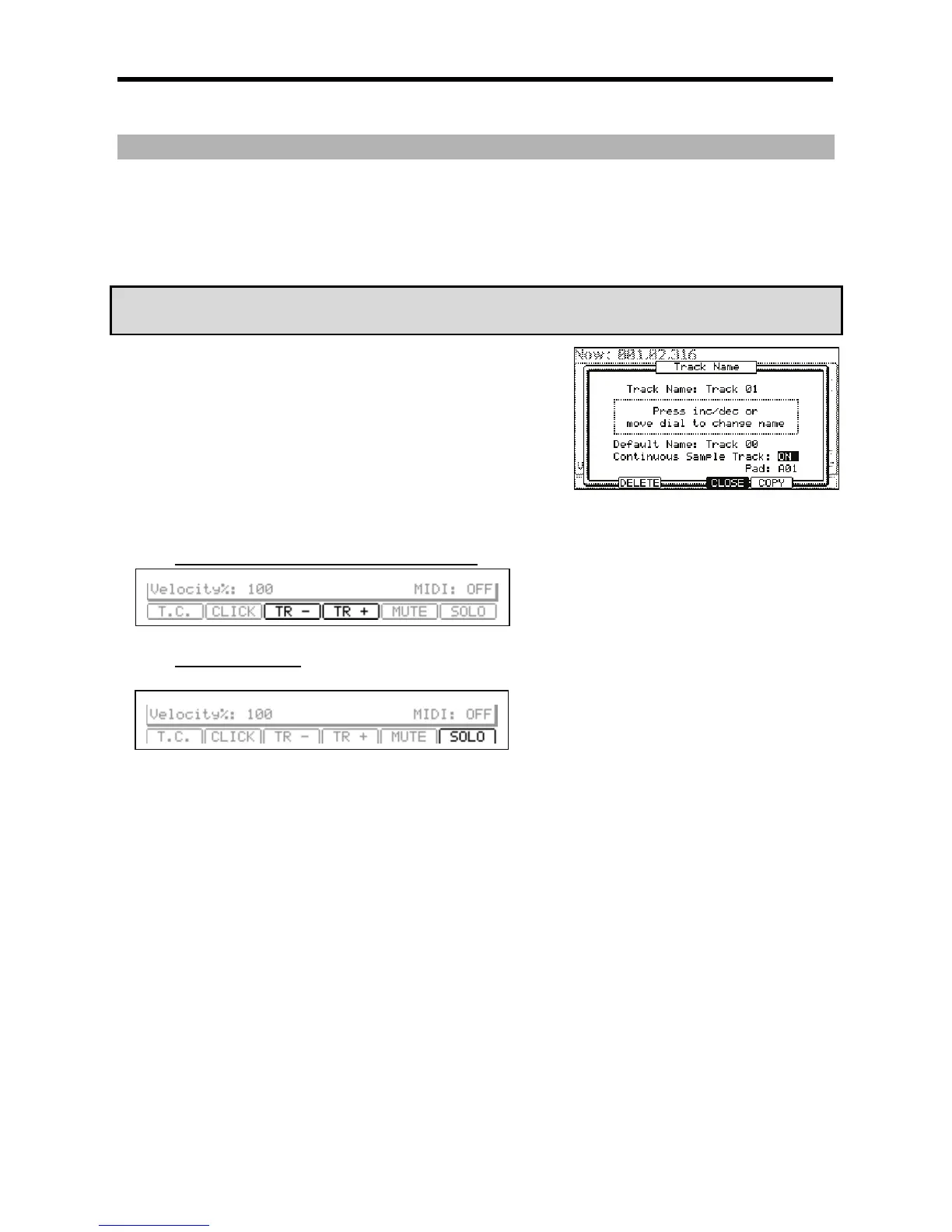
The TRACK NAME window will be displayed.
@ /,/,#,&1,
The 'Pad' field will be displayed below the 'Continuous Sample Track' field.
G %
The selected pad will play as a continuous sample. Tracks set to Continuous will be displayed as a '+' in the 'Track Status' field. For more on the
'Track Status' field, see page 20.
+(#$"&"#$.#$:)
J " 4-G6 )7 '*
4->6 )7 H* 4-G6 )7'*
4->6 )7 H* #
%,,
+("&"#
"
#
- .#
%
%#
= 0,,+01#
@ 4-B6)/&I&*2"
The [F6] (SOLO) button will be highlighted and the MPC5000 plays back only the selected track and mutes all the other tracks.
G #4-B6)/&I&*
The MPC5000 plays back all tracks.





 To Next Page