/55;0
>>
,,
,1D,
,;,
,D,
E0F9&:;
: #
+01
E4F9;
%
5%
"%$
%;7:
I9"%;I/(%
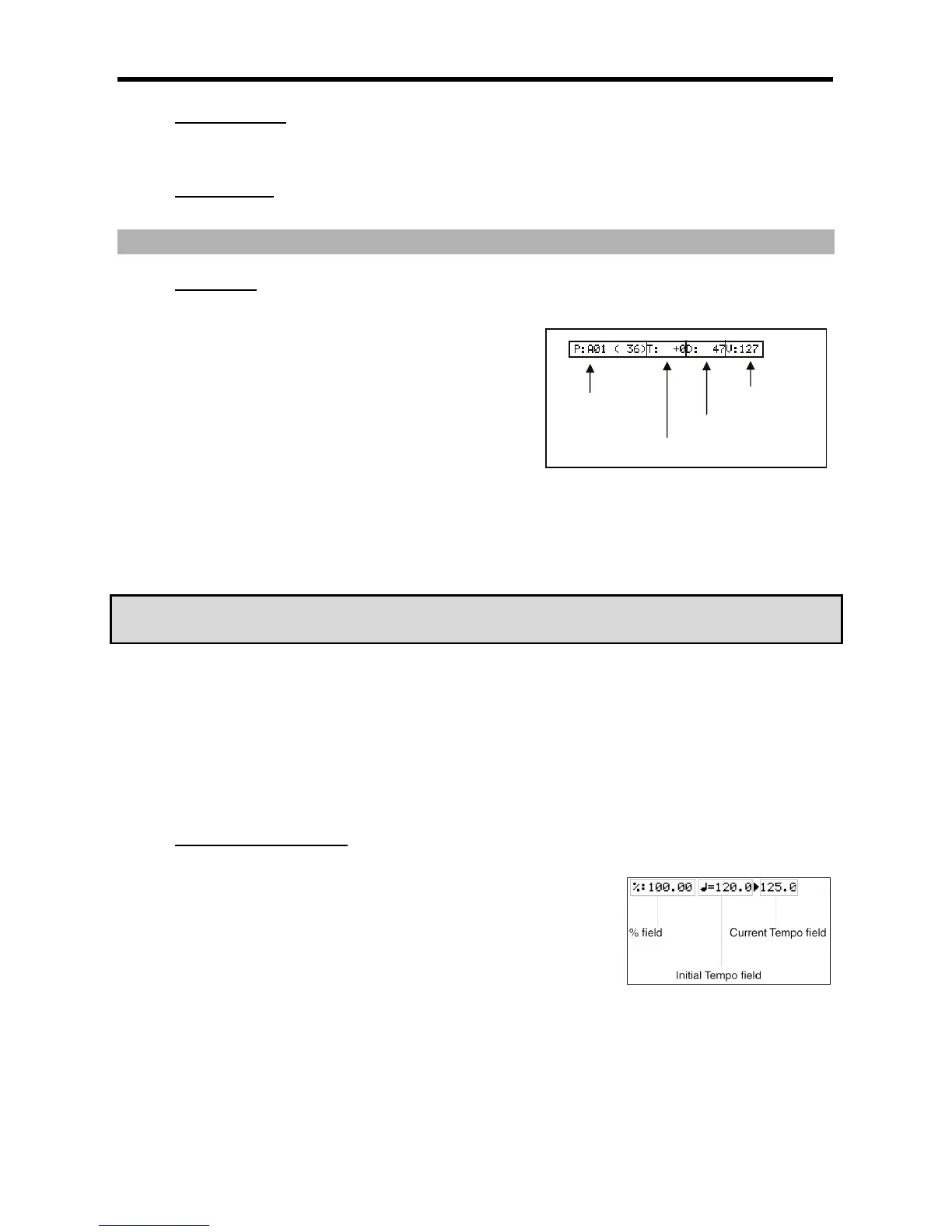
You can set the pad number in this field.
I$""$I/(%
In the above picture, the area that displays 'T' is the 'Note Variation'
field. You can select the type of note variation data to record with
the Q-LINK sliders.
)*
- -
I I
+ +
; ;
-'A72-J!=<2)D)2"%
''&?'
'&
I$""$"(I/(%
In this field, displayed to the right of the 'Note Variation' field, you can set the note variation value.
I59%"$;I/(%
Here, you can set the duration of notes and pad events. This parameter determines how long the pad or MIDI note is held. The value
is displayed in MIDI Ticks.
I9(#$);I/(%
Here, you can set the velocity of a pad. Velocity is a measure of how hard the pad was hit. The velocity is shown in 127 steps, with
127 the maximum. This can be used to play sounds softer, louder, or control the filter cutoff etc. For more information on velocity,
see 'Note Number, Velocity, and Length' on page 14.
&'."$
%"
%%0
( 5& ,D, #
%#5%
%+II5D51/,D,#%
%
IOI/(%
You can set the amount of the tempo change.
6$"(3$&'
The 'initial tempo' field displays the original tempo set in the 'tempo' field of the sequence, the 'Current tempo' field displays the new
tempo changed by the setting in the '%' field.





 To Next Page