18 / 36
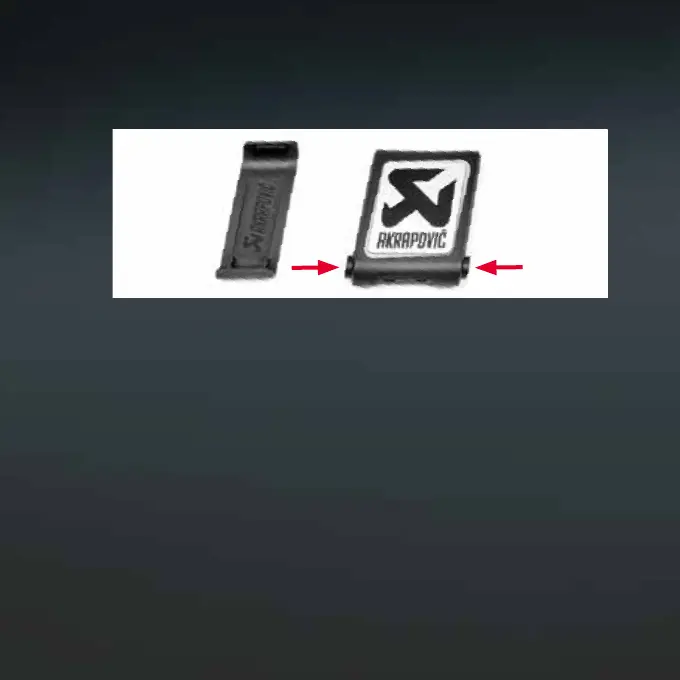
The Sound Kit Remote Controller can be removed from its hanger by
pressing the side buttons simultaneously (Figure 5).
3. Battery Replacement for the Sound Kit
Remote Controller
3.1 Unscrew the housing screws and open the Sound Kit Remote
Controller housing. Carefully remove the battery by offsetting the marked
battery holder pin (Figures 6 and 7). Tool: Use a small PH000 screwdriver.
NOTE: Make sure to insert the new battery correctly! Check the battery
p
olarity (type: Lithium CR2032 3V). Use ONLY disposable brand-named
CR2032 3V lithium coin cell batteries in the Sound Kit Remote Controller.
We recommend Maxell branded batteries.
Figure 5


 To Next Page