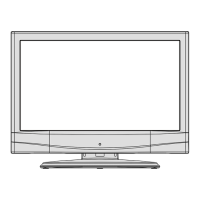
Overview of the Remote Control
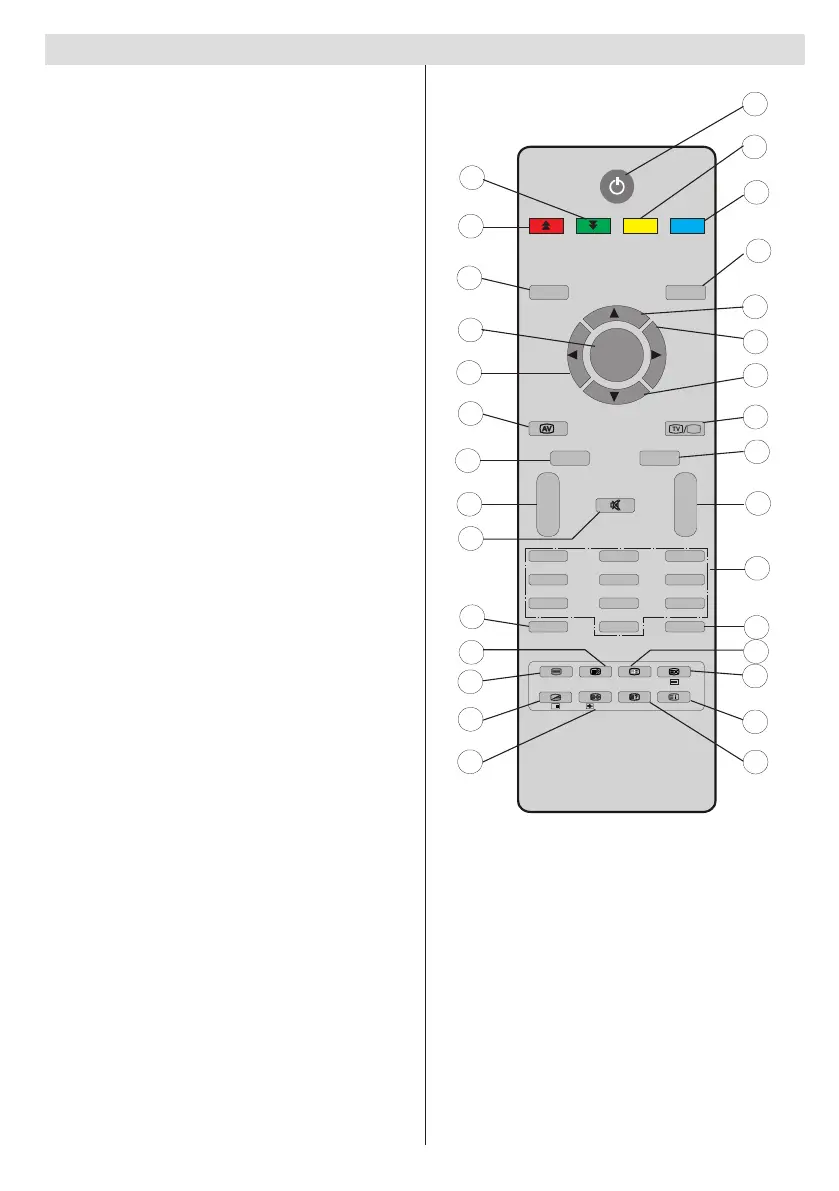
Standby1.
Current language (in DTV mode) (*)//2.
Feature menu
Favourite mode (in DTV mode) (*) / Install 3.
menu
Previous programme 4.
Cursor up5.
Cursor right6.
Cursor down7.
TV / Digital TV8.
Mono/Stereo - Dual I-II 9.
Programme up/ (Page down in DTV mode) 10.
/ Programme down/ (Page up in DTV
mode)
Numeric buttons11.
Exit (in DTV mode)12.
Hold (in TXT mode) 13.
Update (in TXT mode) 14.
Index page (in TXT mode) / Electronic 15.
Programme Guide (EPG) (in DTV mode)
Reveal (in TXT mode) / Switch from TV to 16.
PC
Picture menu / Page down / Subtitle on-off 17.
(in DTV mode) (*)
Sound menu / Page up / Channel list (*)(in 18.
DTV mode)
Menu on/off19.
OK / Select (analogue TV mode) / Channel 20.
list (in DTV mode) /
Cursor Left21.
AV / Source22.
Info23.
Volume up/down24.
Mute25.
Picture mode selection26.
Time / Subpage (in TXT mode) / Subtitle 27.
on-off (**)
Teletext on-off 28.
Mix (in TXT mode) 29.
Expand (in TXT mode) / Image size 30.


 To Next Page
 Loading...