25
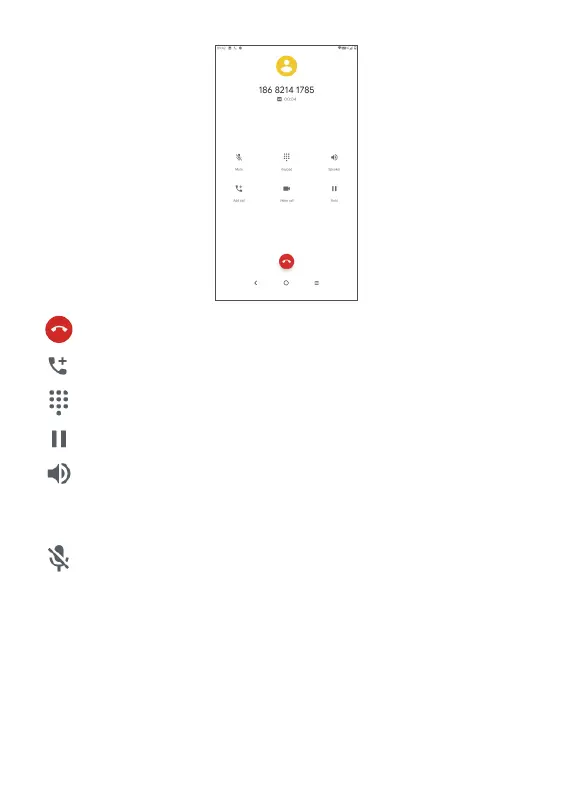
End the current call.
Touch to add another call.
Display the dial pad.
Touch to hold the current call.
Touch once to activate the speaker during the
current call. Touch this icon again to deactivate the
speaker.
Touch once to mute the current call. Touch this icon
again to unmute the call.
3.1.5 Managing multiple calls
With this tablet you can handle multiple calls at the
same time.



 To Next Page